Estate management companies
Site inspections
Walk the estate and record what you find. Published reports are kept for good, so they stand up later.
-
Start an inspection
From the estate, open More, then Site inspections, and tap Start site inspection.
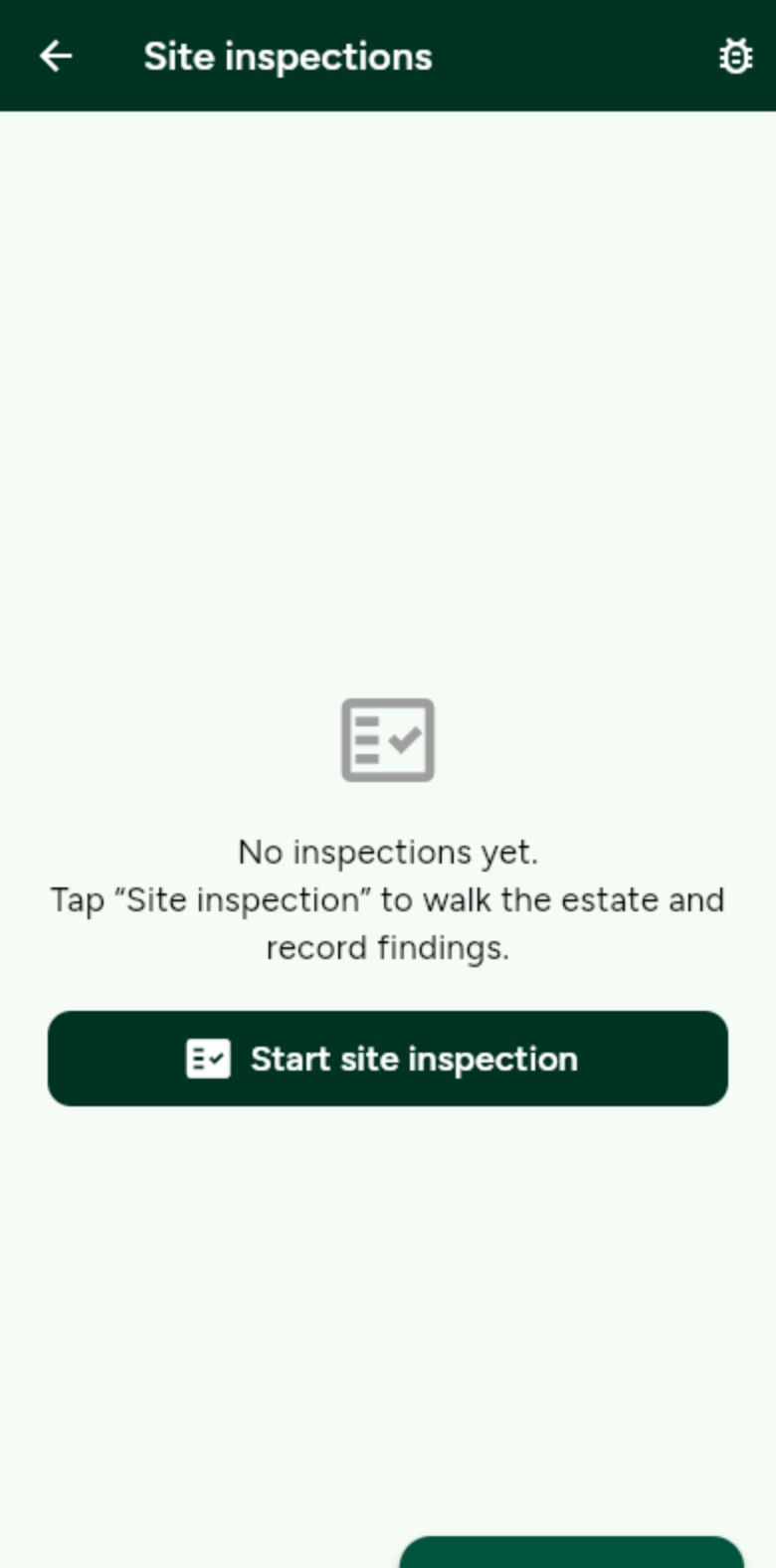
Every published inspection is listed here. -
Add your findings
Give the report a title and an overall summary. Add a finding for each thing you notice, then tap Publish inspection report.
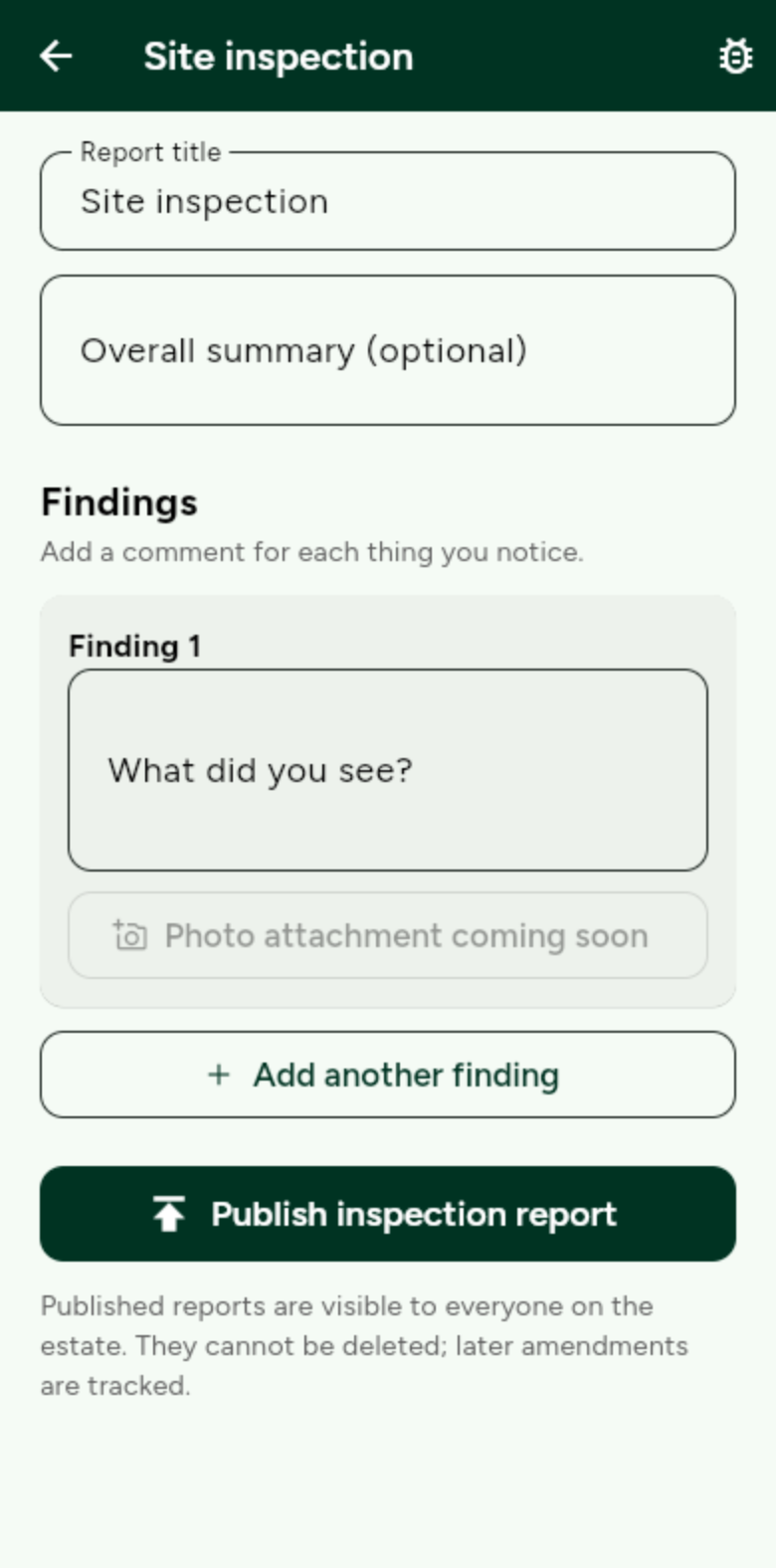
Published reports can’t be deleted. Later changes are tracked.