Walkthroughs
How to use OurGround
Short guides with real screenshots. Pick the list that matches who you are. OurGround runs in the browser — there is nothing to install.
Residents & homeowners
Everything you can do, a step at a time.
Tap a guide. Each one is a few screens and a short summary.
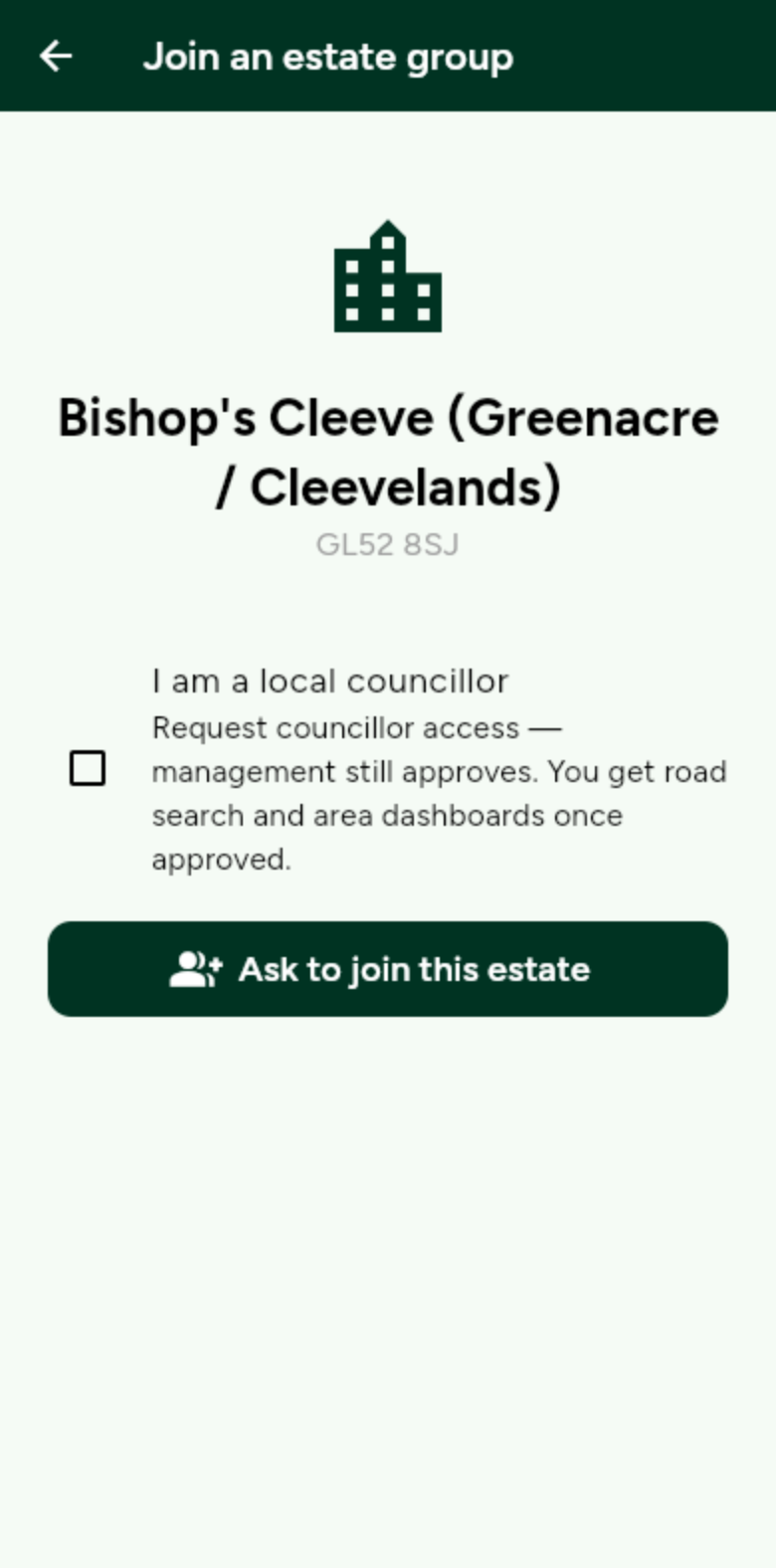
Join your estate
Open the join link from your management company, or find the estate on the map. Staff approve you.
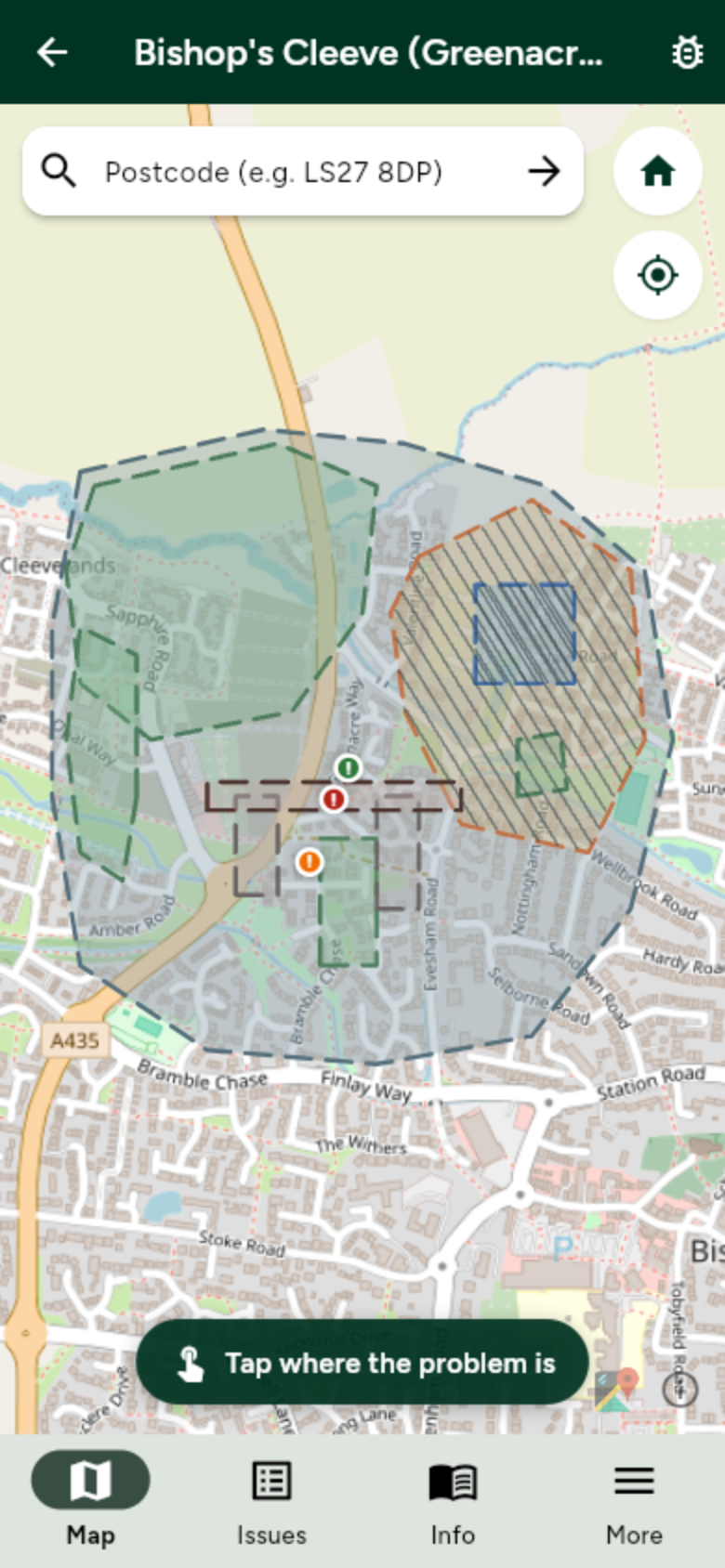
Report a problem
Tap the map where the problem is, write a short note, and pick how serious it is.
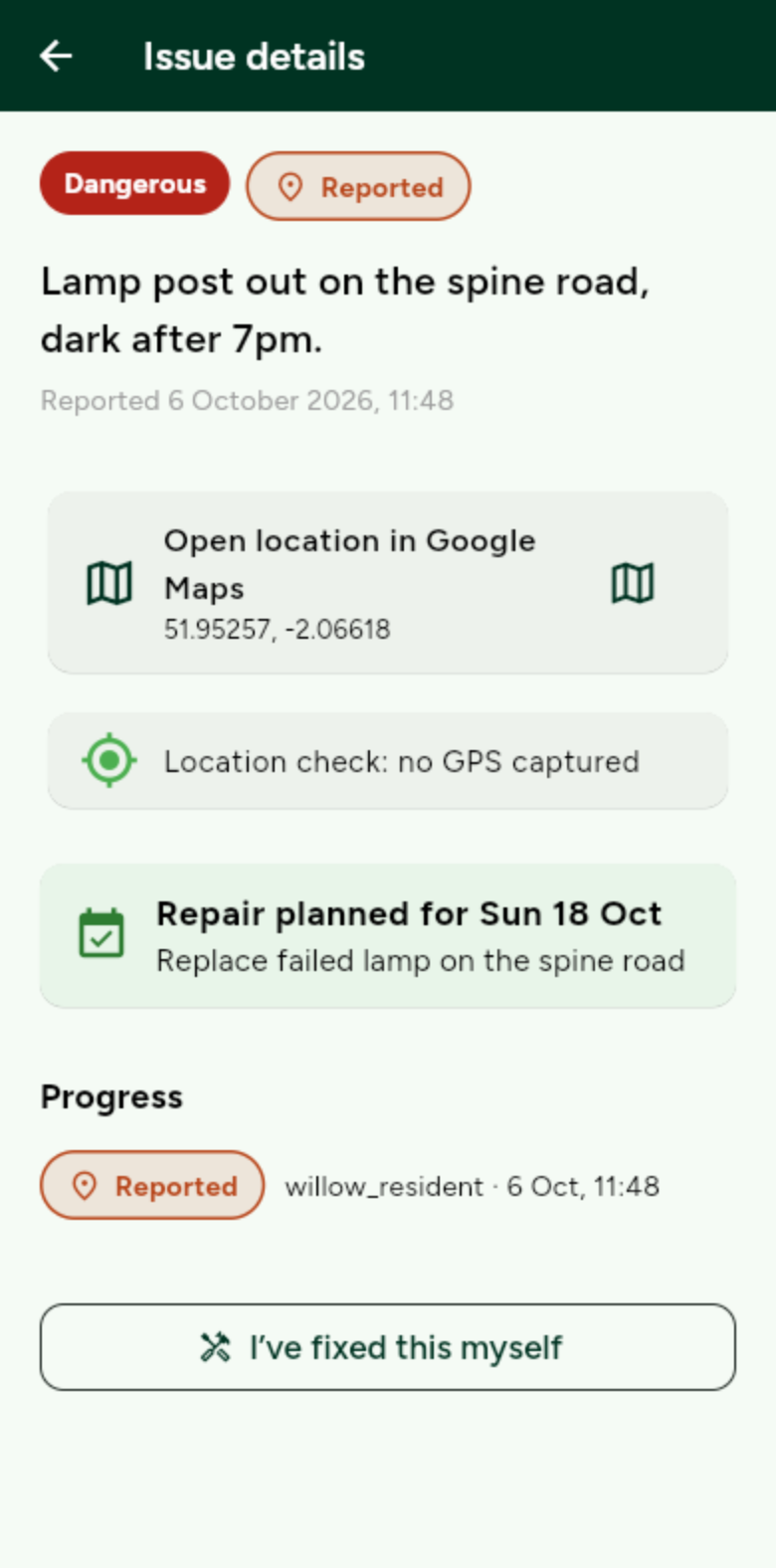
Follow an issue
Open Issues to see the trail. Status moves Reported, Seen, In progress, then Resolved.
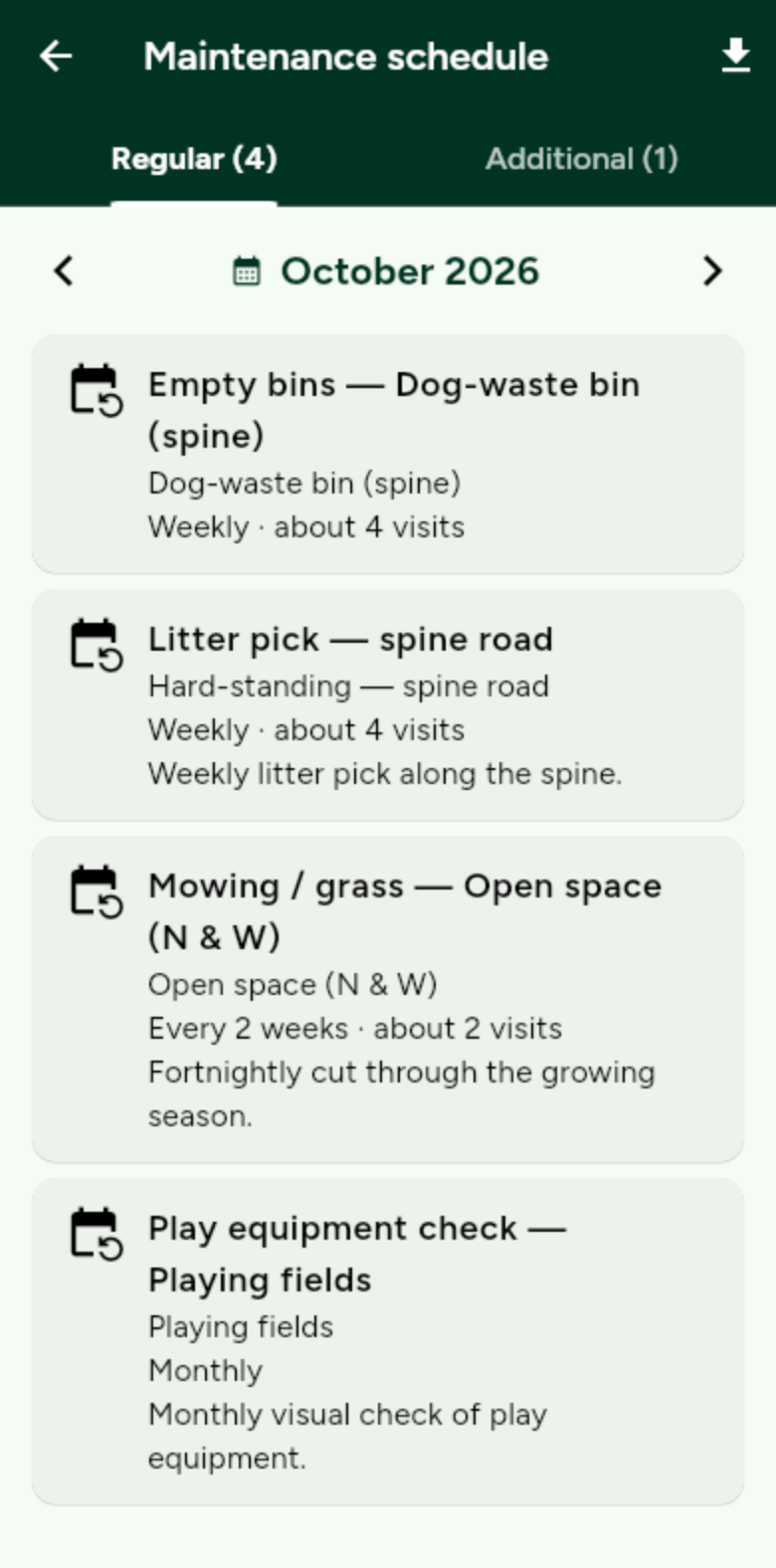
See the maintenance schedule
Grass cuts, litter picks and other planned work, month by month. Same list the company sees.
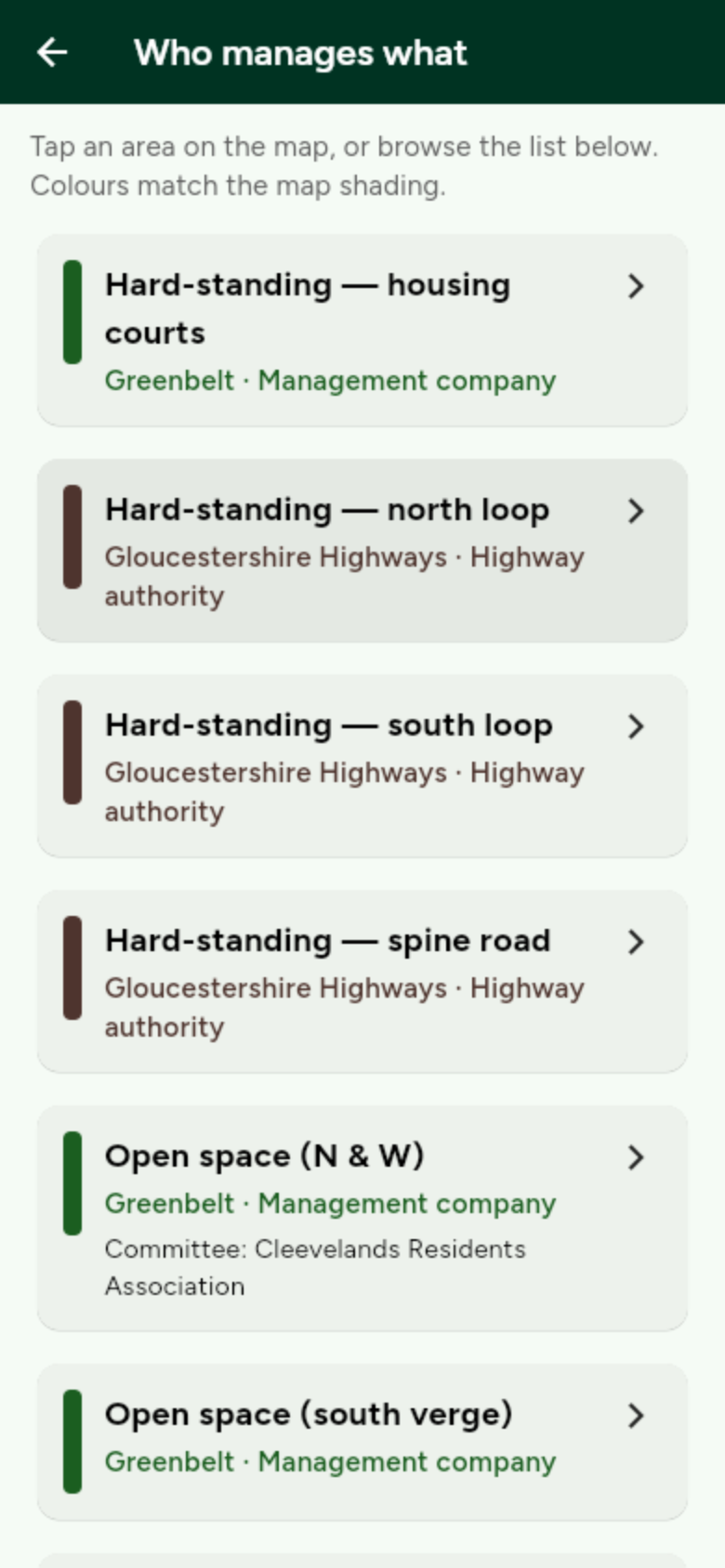
See who owns each bit of land
Coloured areas on the map, and a list of who looks after each one — with a contact where they have given one.
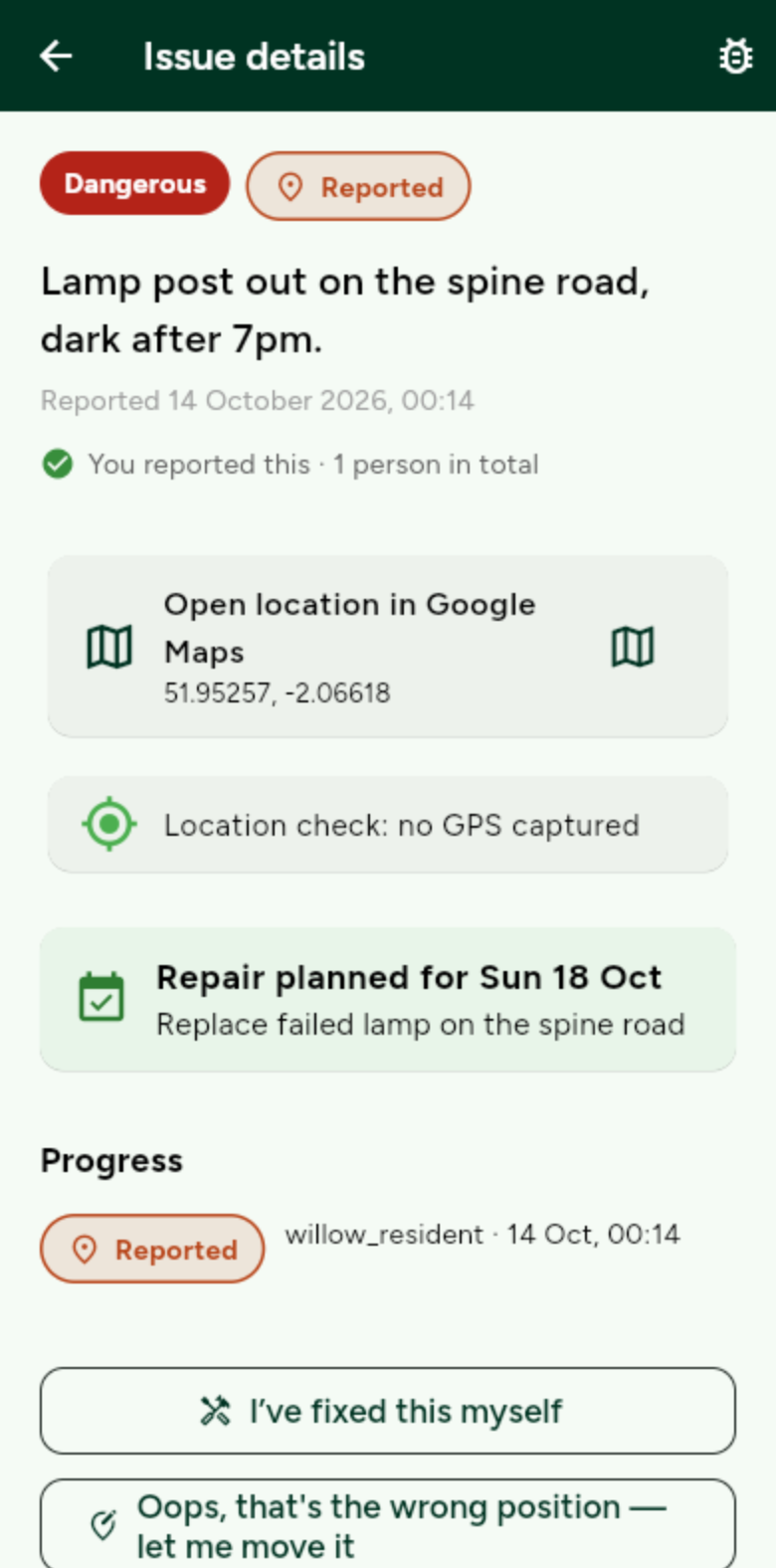
Back a report, or say it’s fixed
Add your +1 to a problem someone already reported, or tell the company you sorted it.
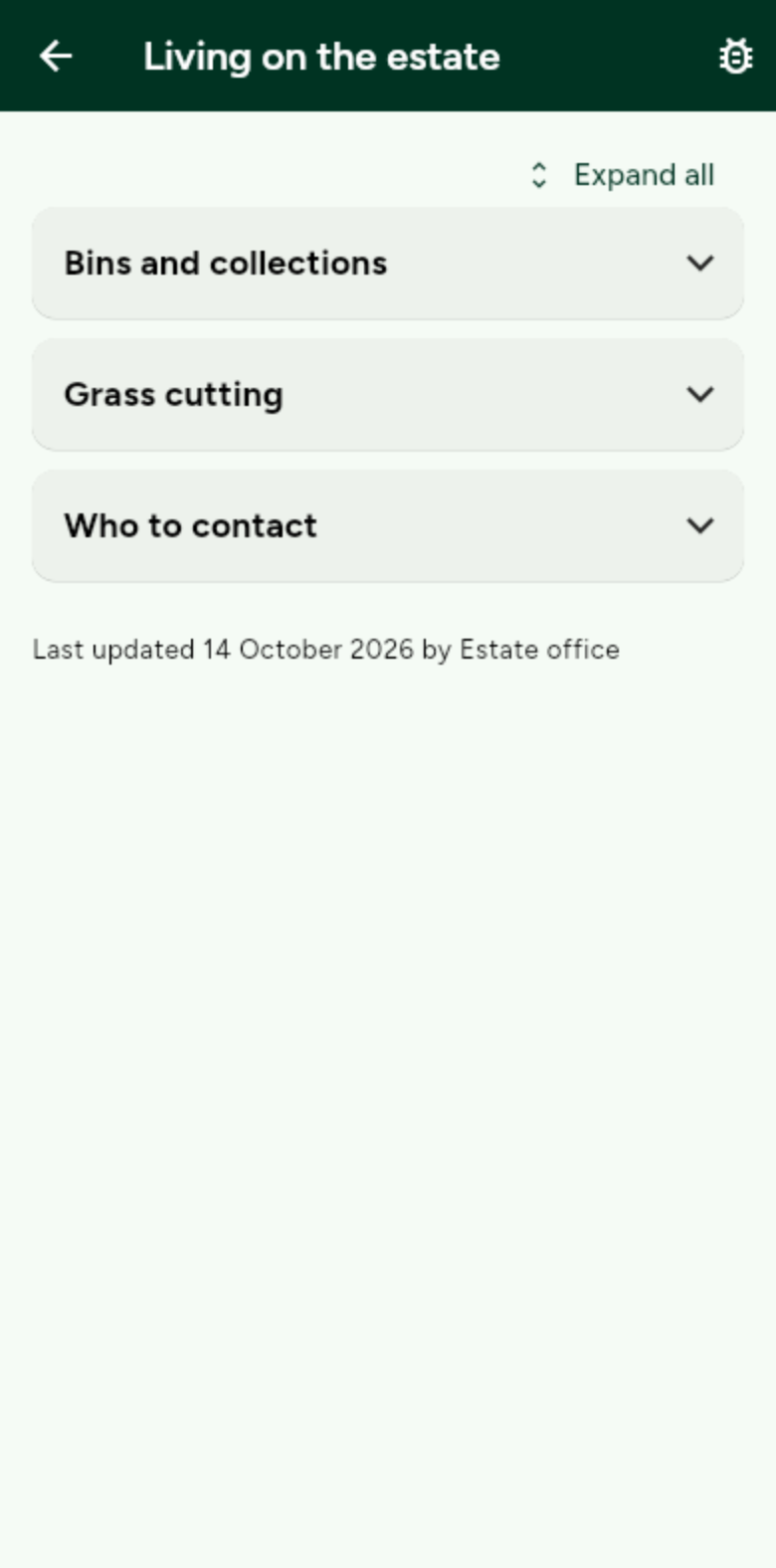
Estate information and dashboard
Bins, grass cutting, parking and who to contact. Plus how many problems are open.
Estate management companies
Set up the estate, then run the work.
The company account is free. Start with the road map, then each guide takes you through one job, with real screenshots.
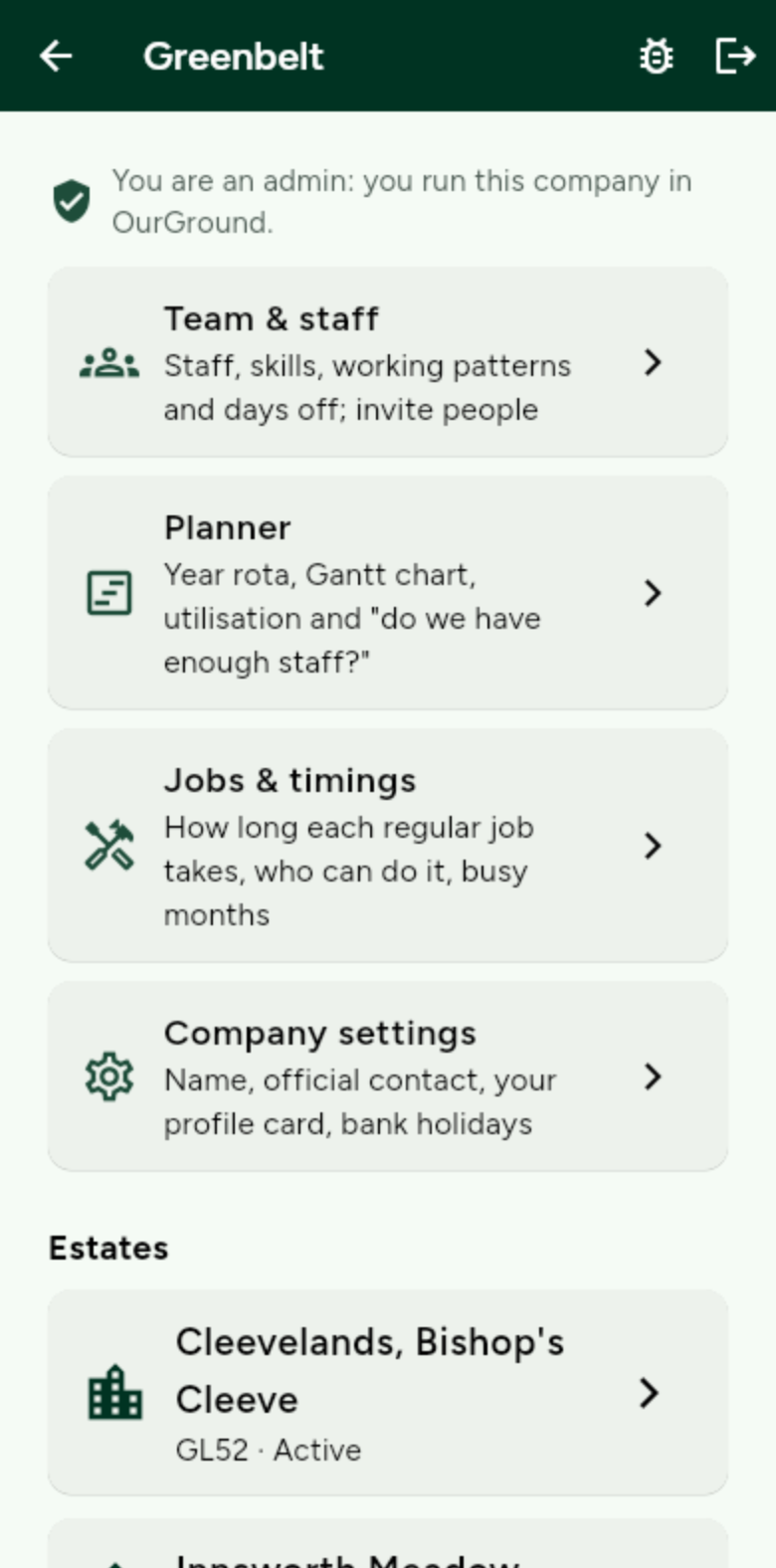
Getting started: your road map
Six steps from a first chat to a fully running estate. Then the app does the rest.
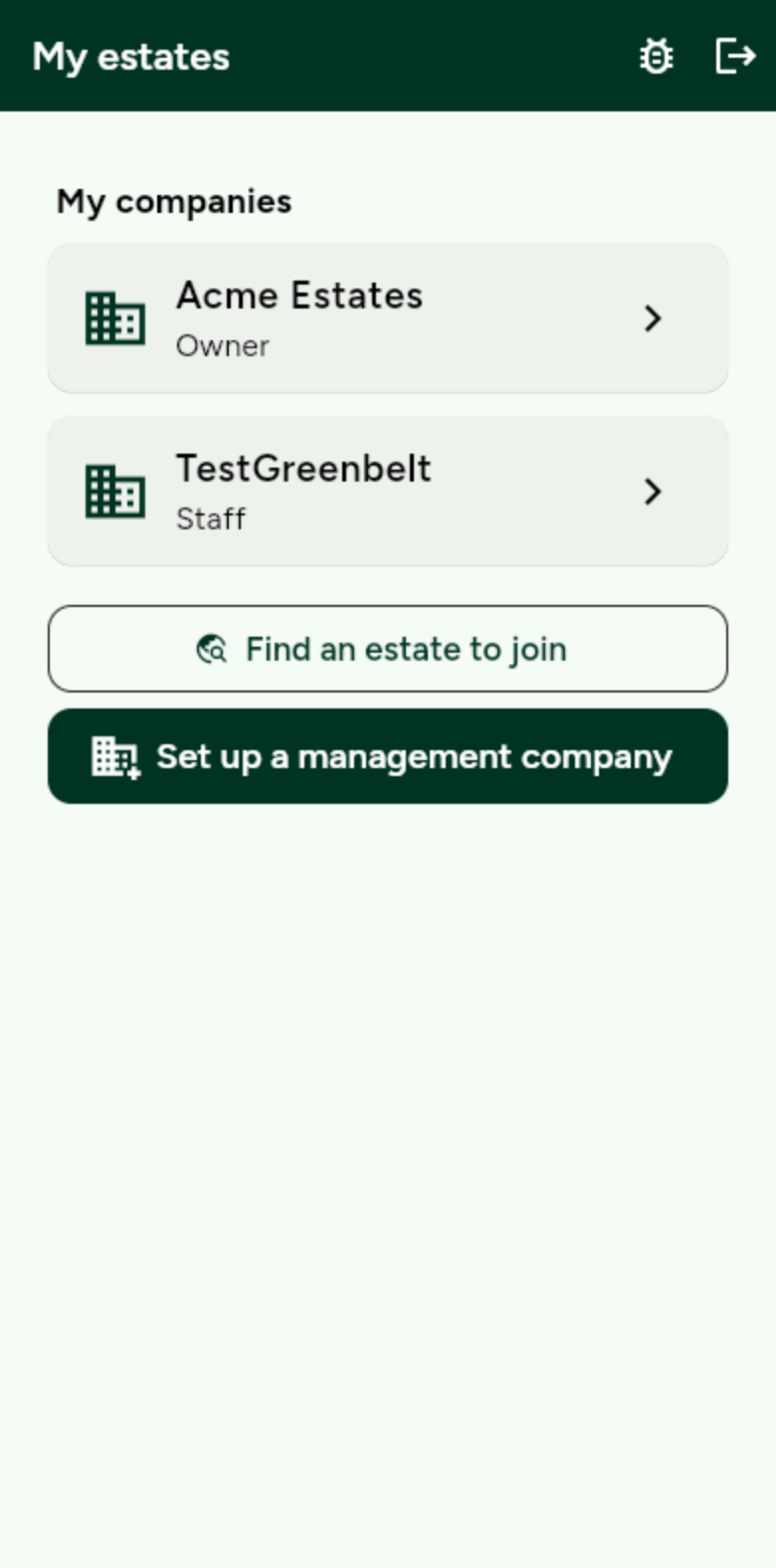
Set up a company and an estate
Create the company, then add an estate with a name and postcode.
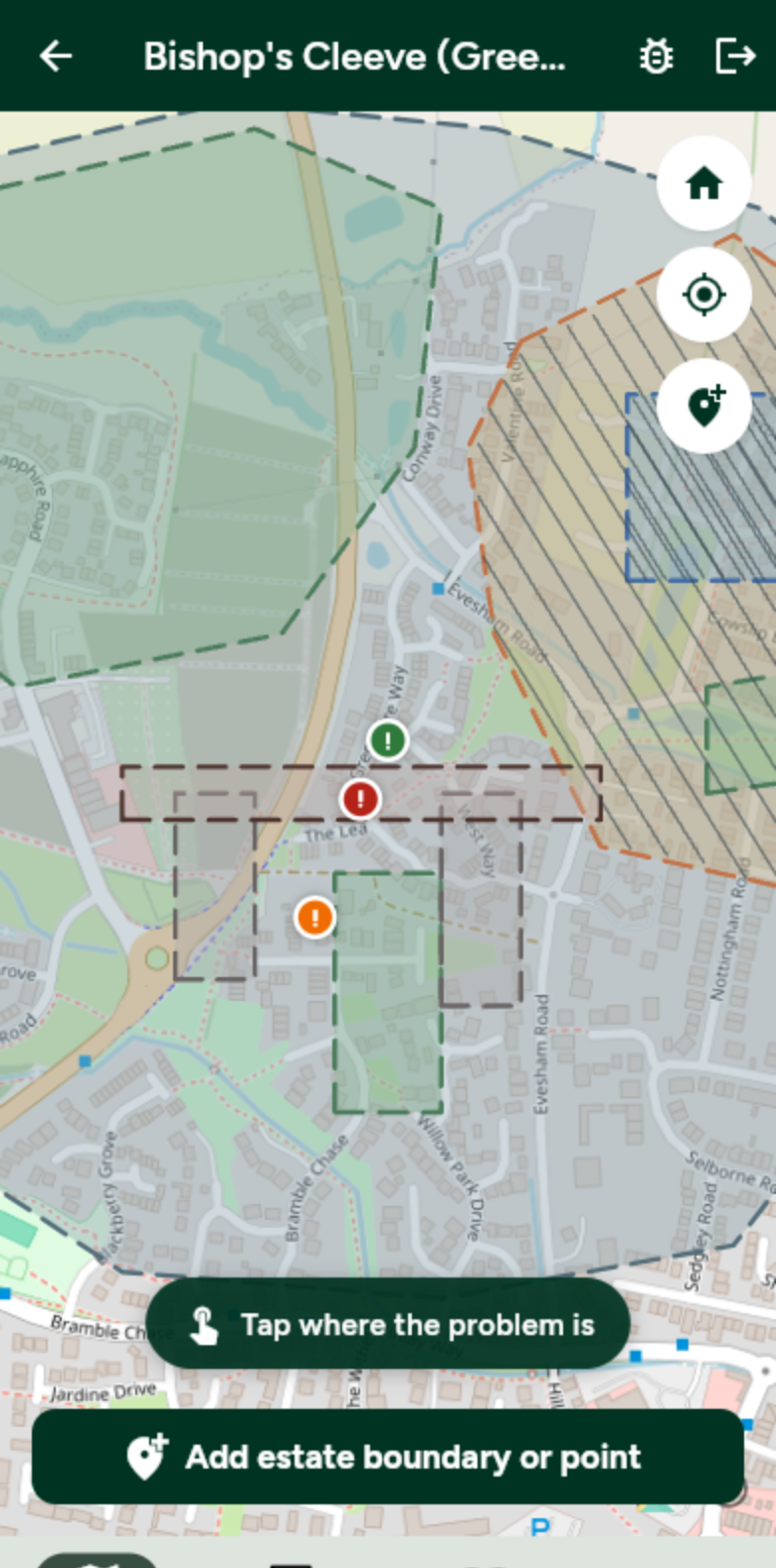
Draw the map
Outline roads, green space and play areas. Drop lamps, bins and other points.
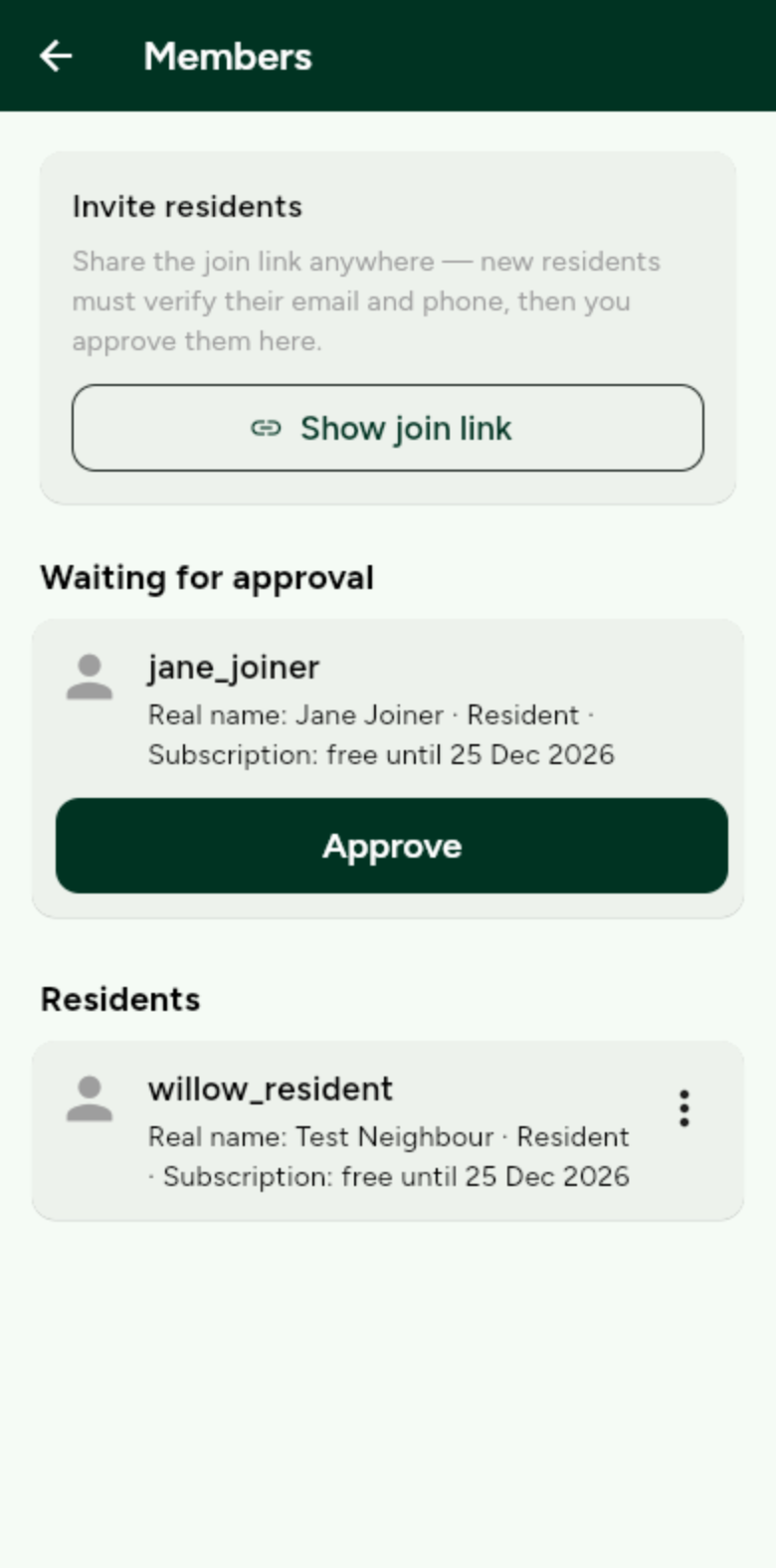
Invite and approve residents
Share the join link from Members. Approve people who ask to join.
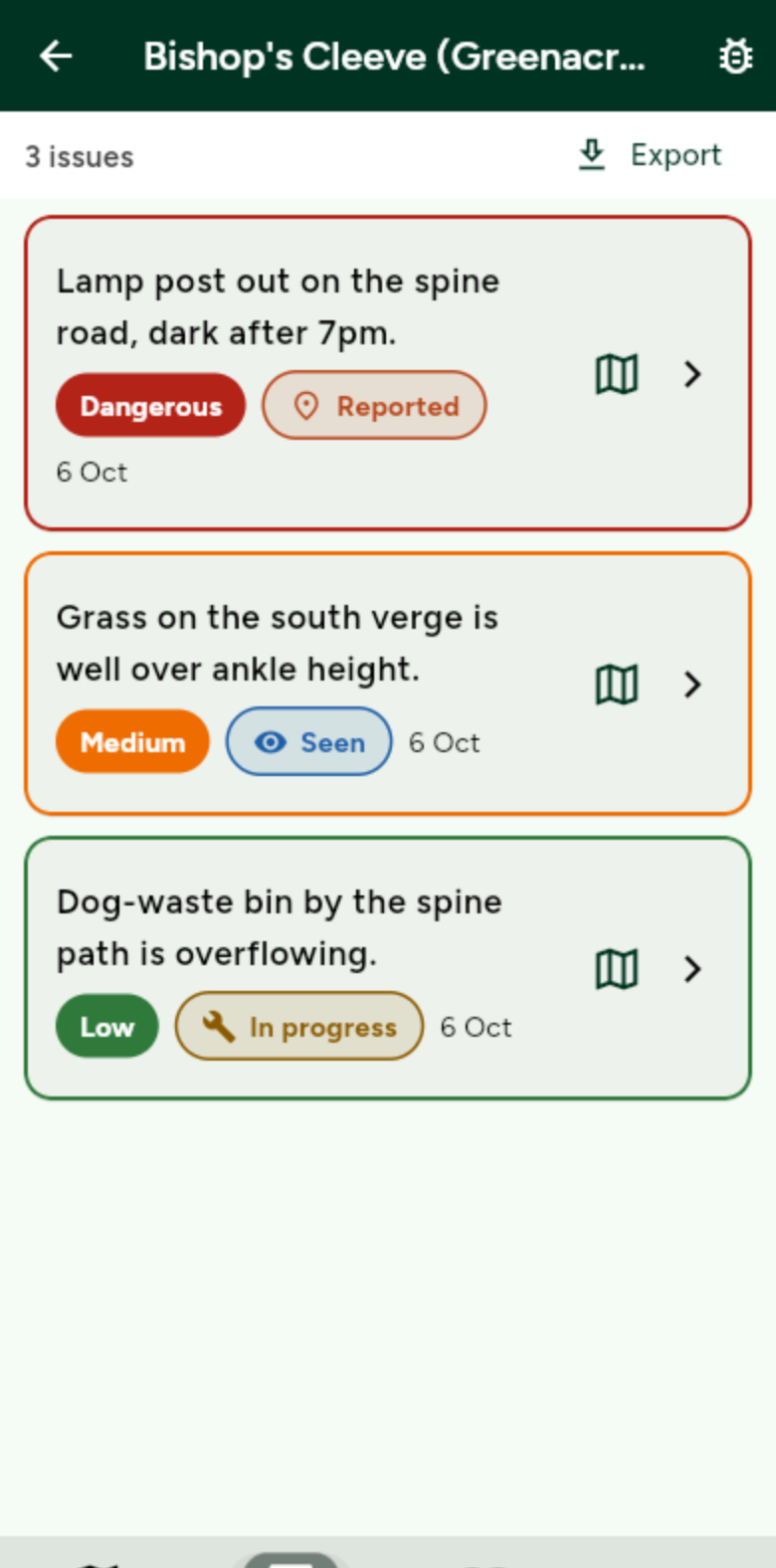
Work through issues
Open a report, move the status as the work happens, and keep the trail.
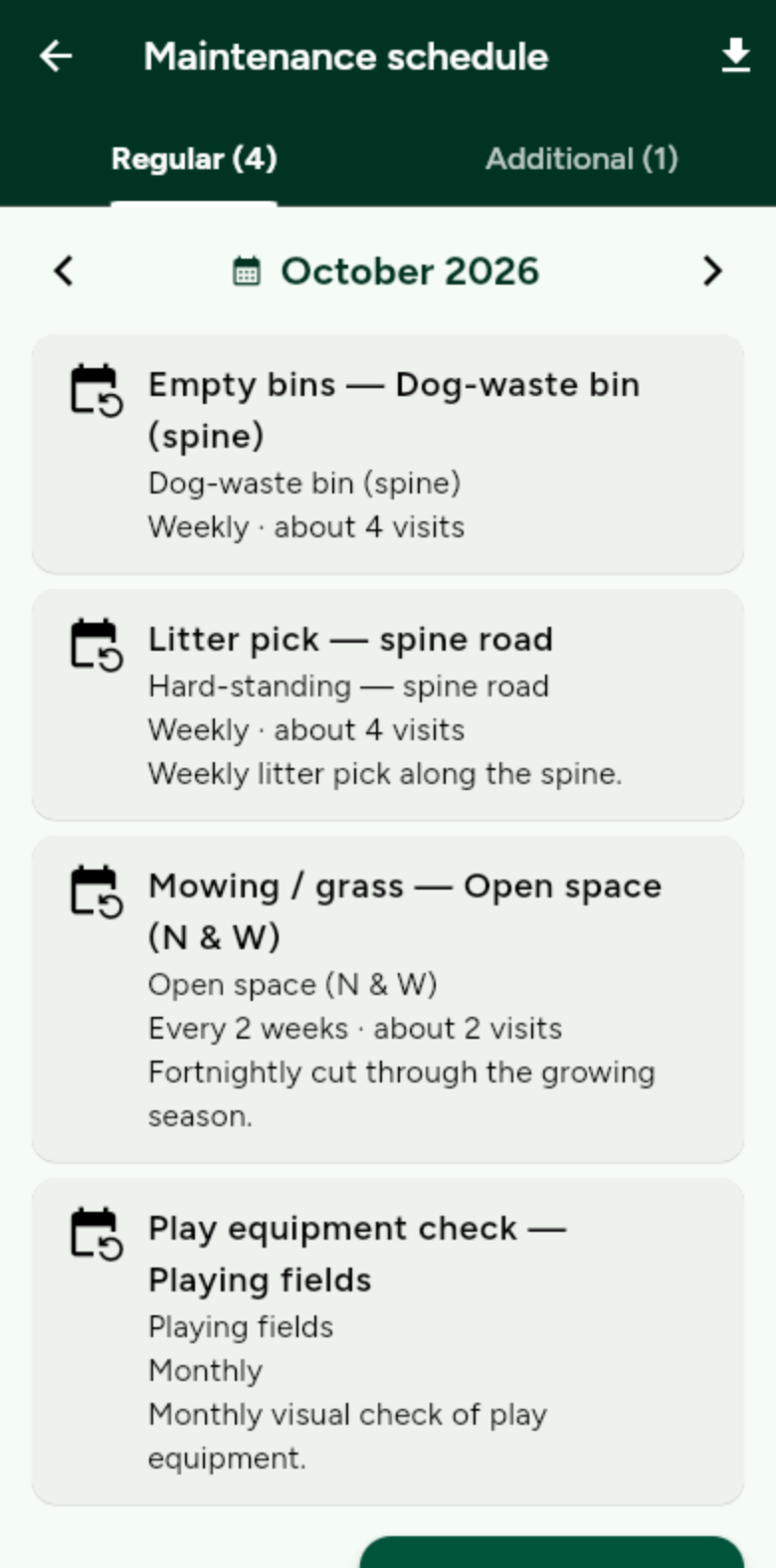
Plan maintenance
Set how often each area is visited. Publish the month so residents can see it too.
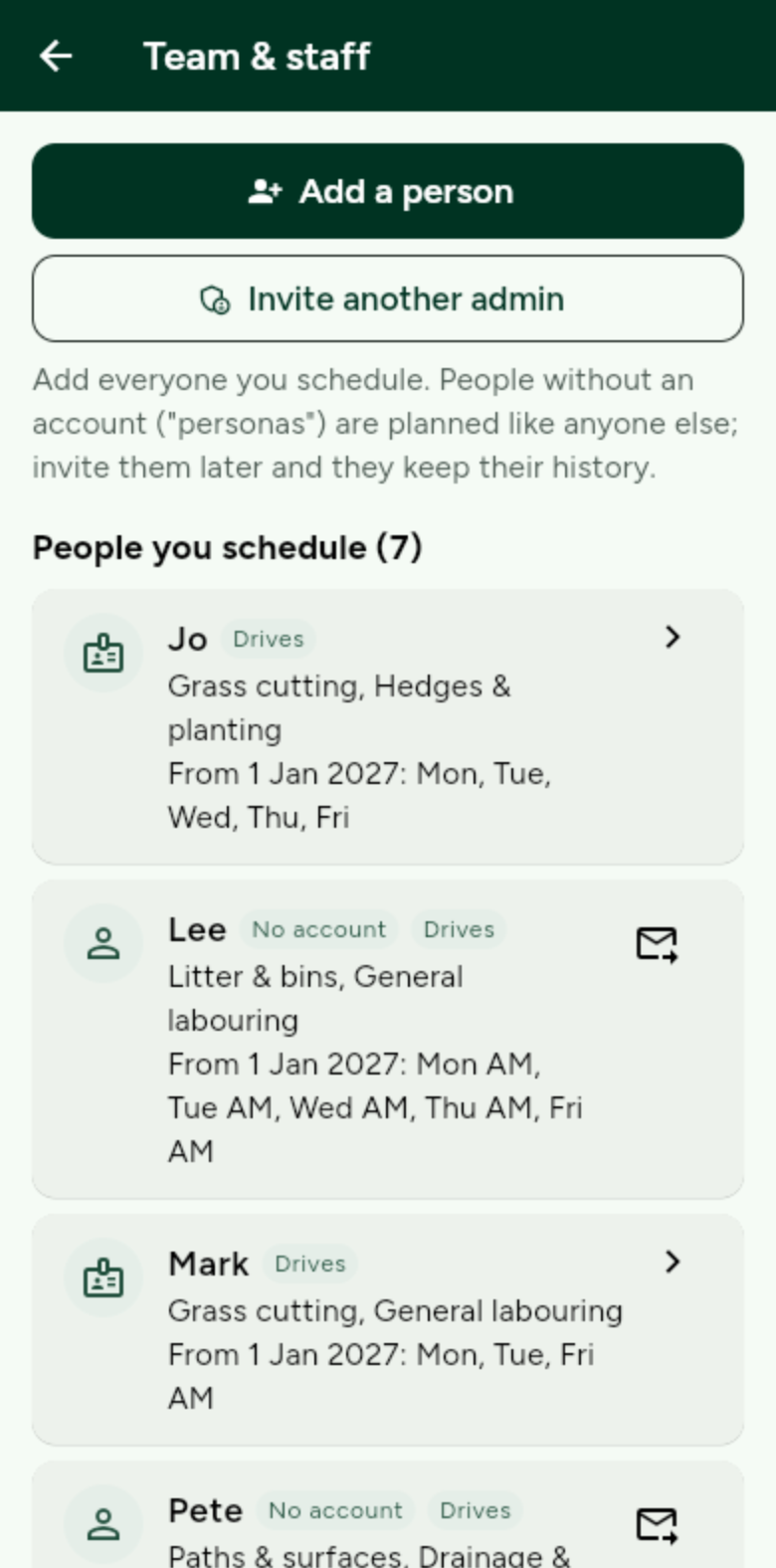
Add your team
Your people and their skills, so every job goes to someone who can do it. Private to your admins.
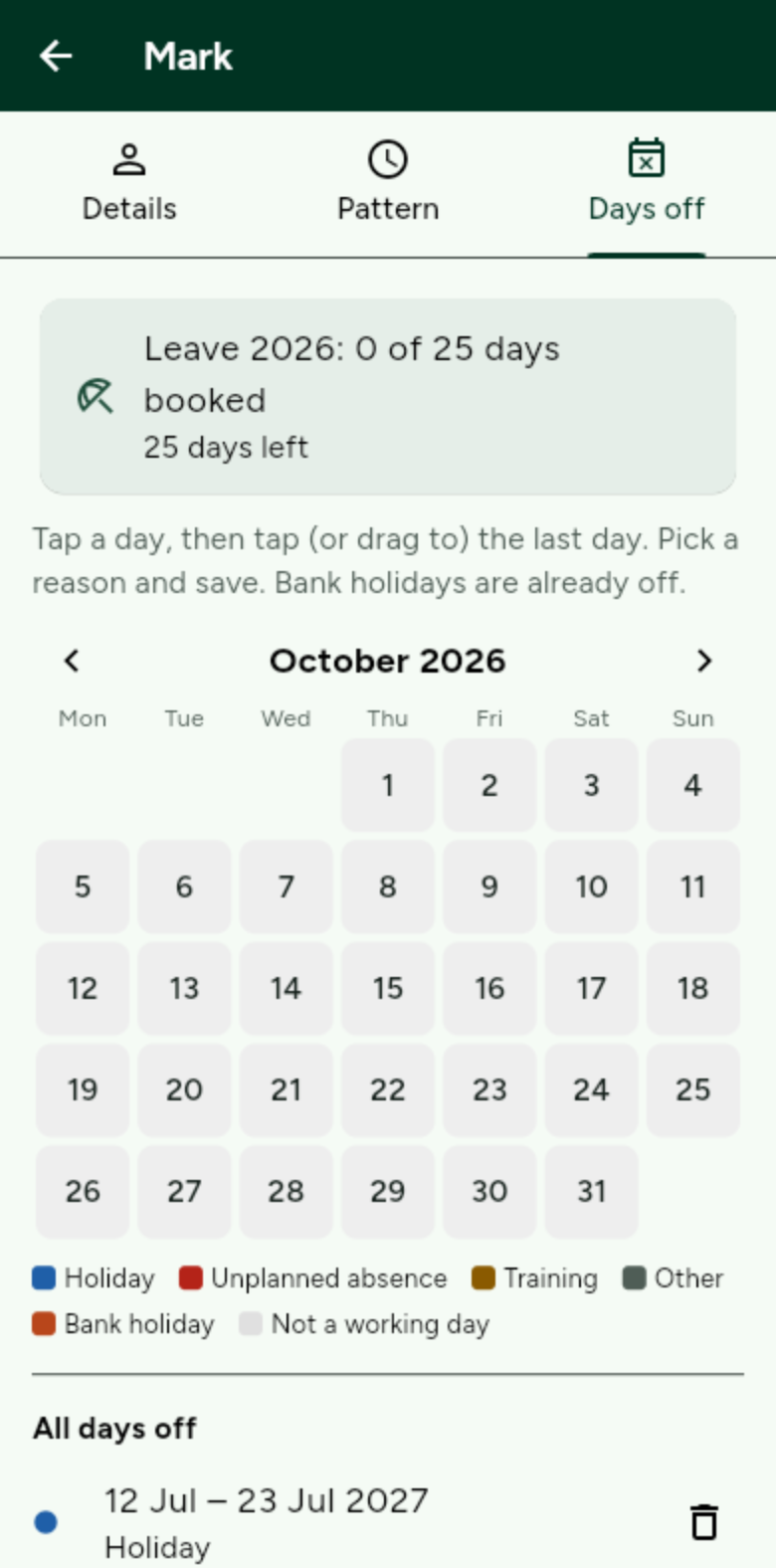
Working patterns and days off
Set each person’s week and book holidays. The year re-plans itself.
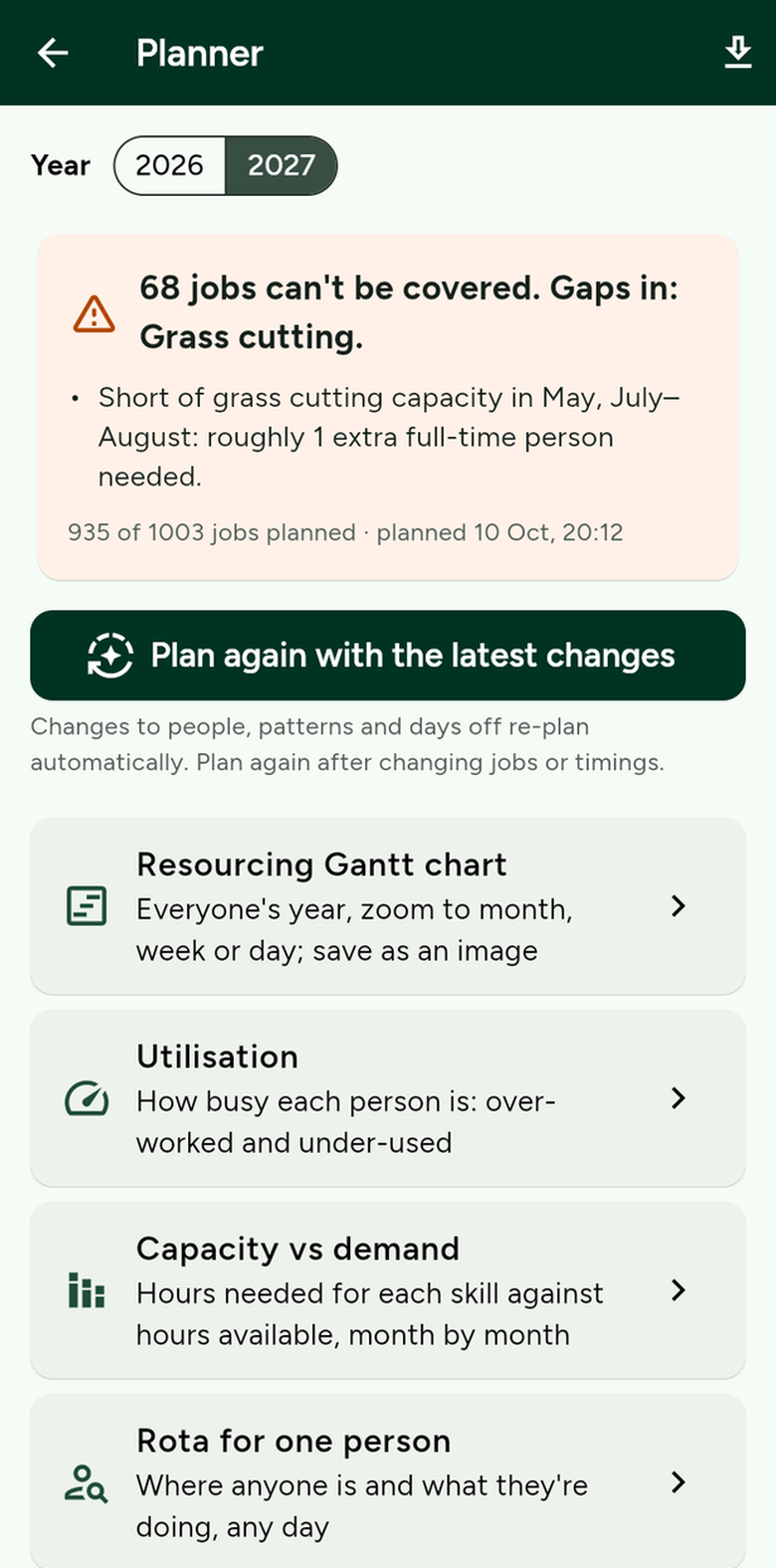
Plan the year
One button plans every estate, and tells you in plain English where you are short.
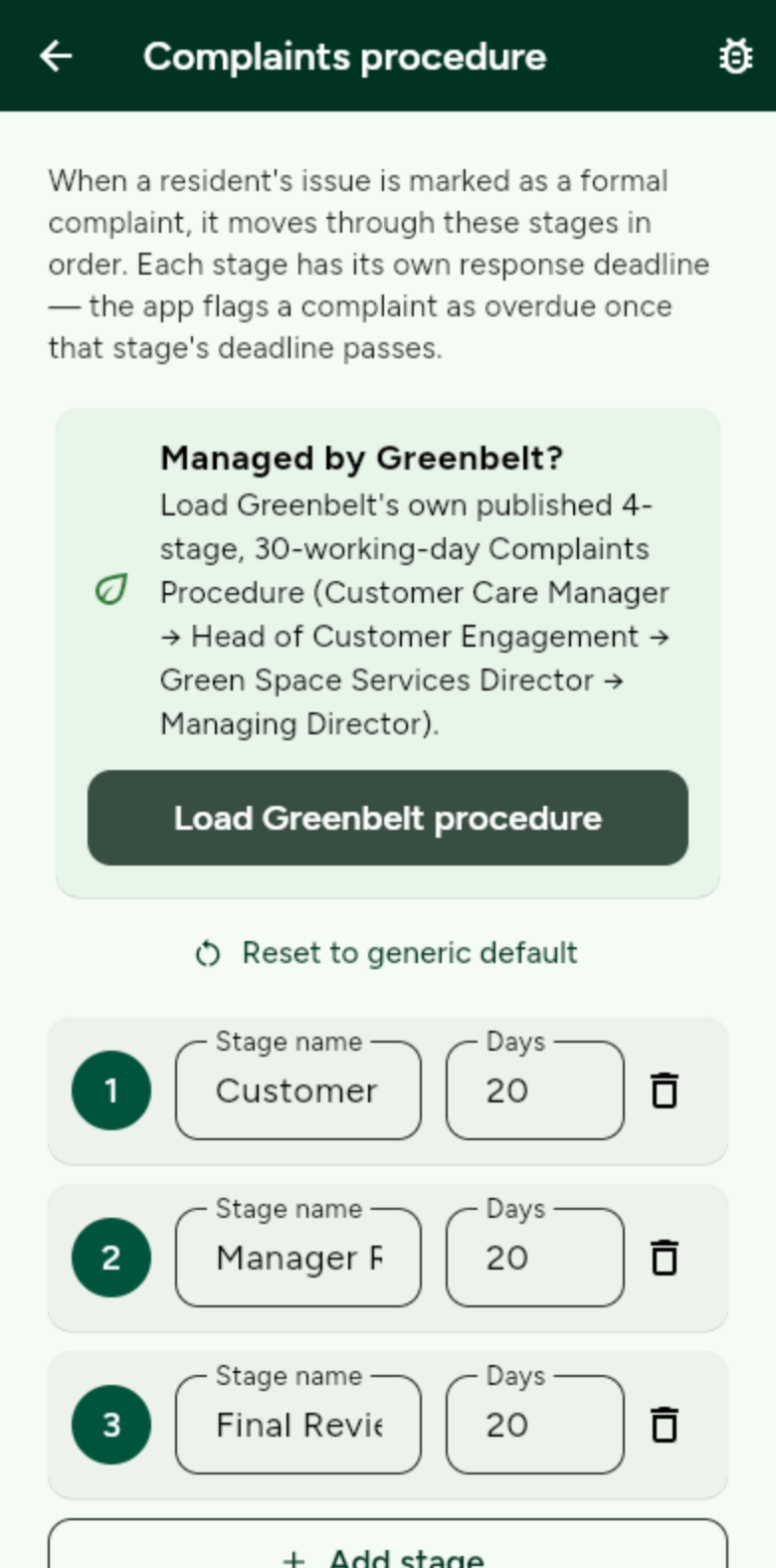
Complaints procedure
Your own stages and deadlines, through to the Ombudsman if needed.
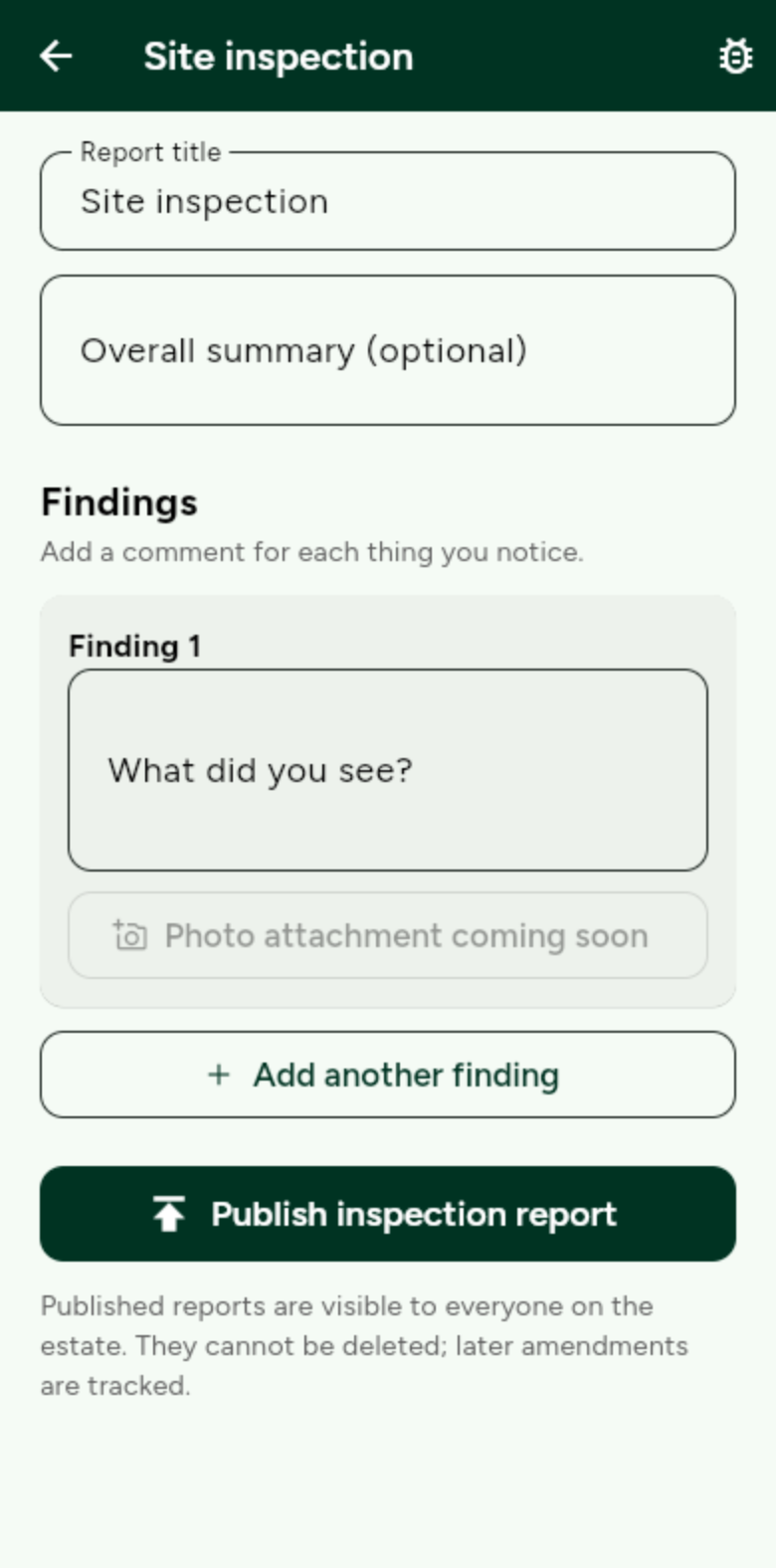
Site inspections
Walk the estate, record findings, publish a report that is kept for good.
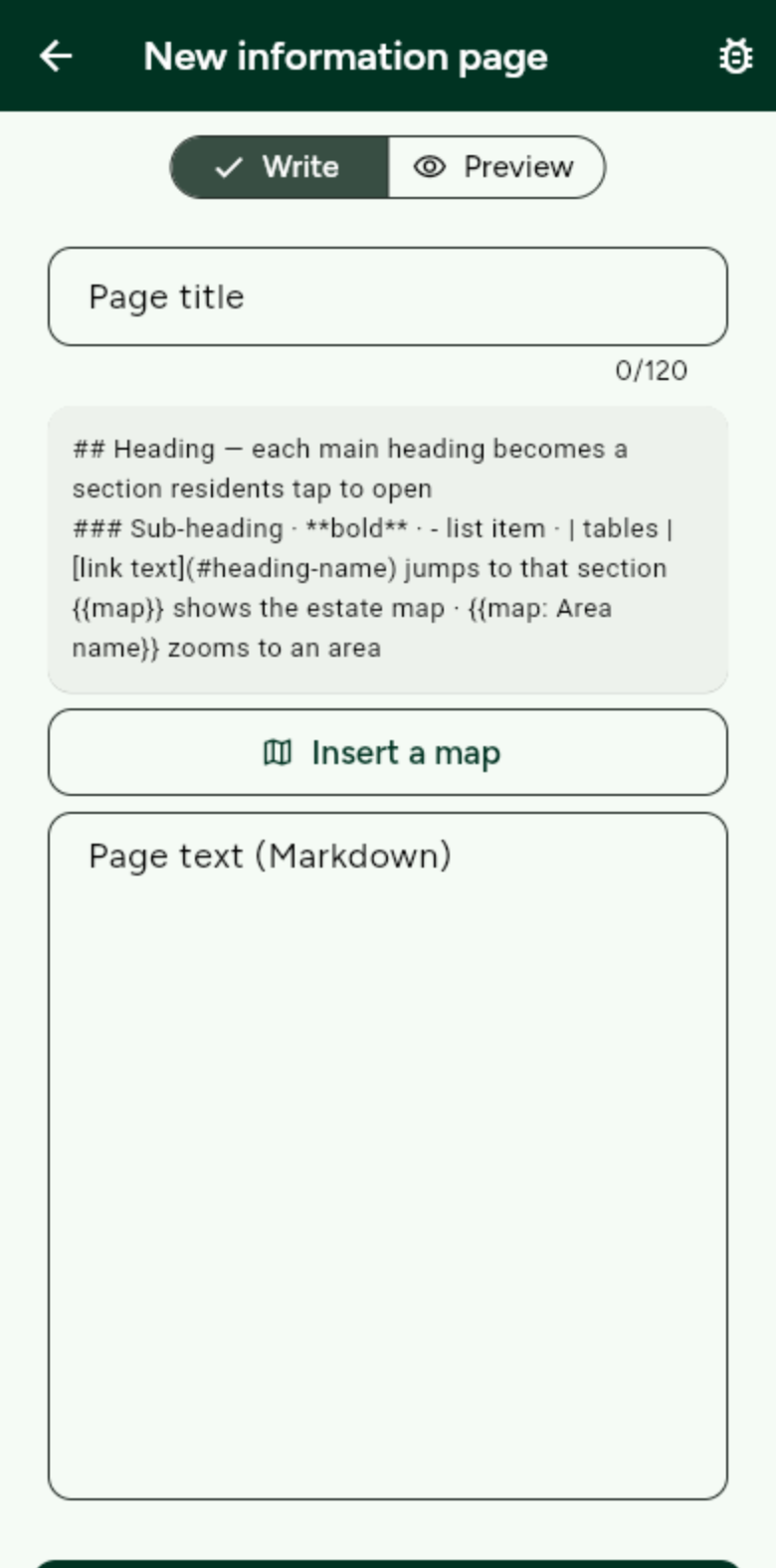
Write estate information
Bins, grass cutting, parking and contacts, written once for everyone.
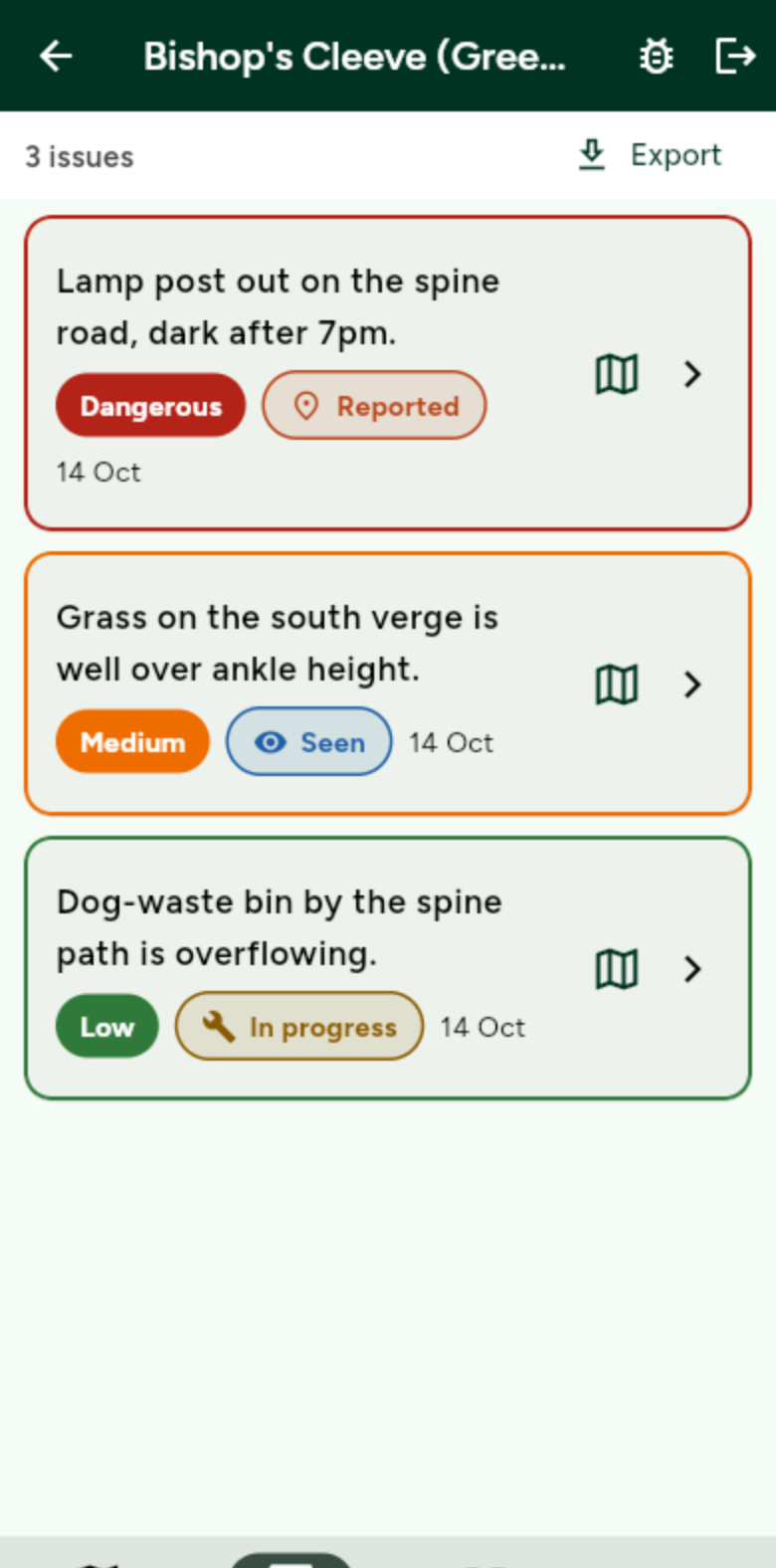
Export your data
Issues, schedules, rotas and plans to Excel or Google Sheets with one tap.
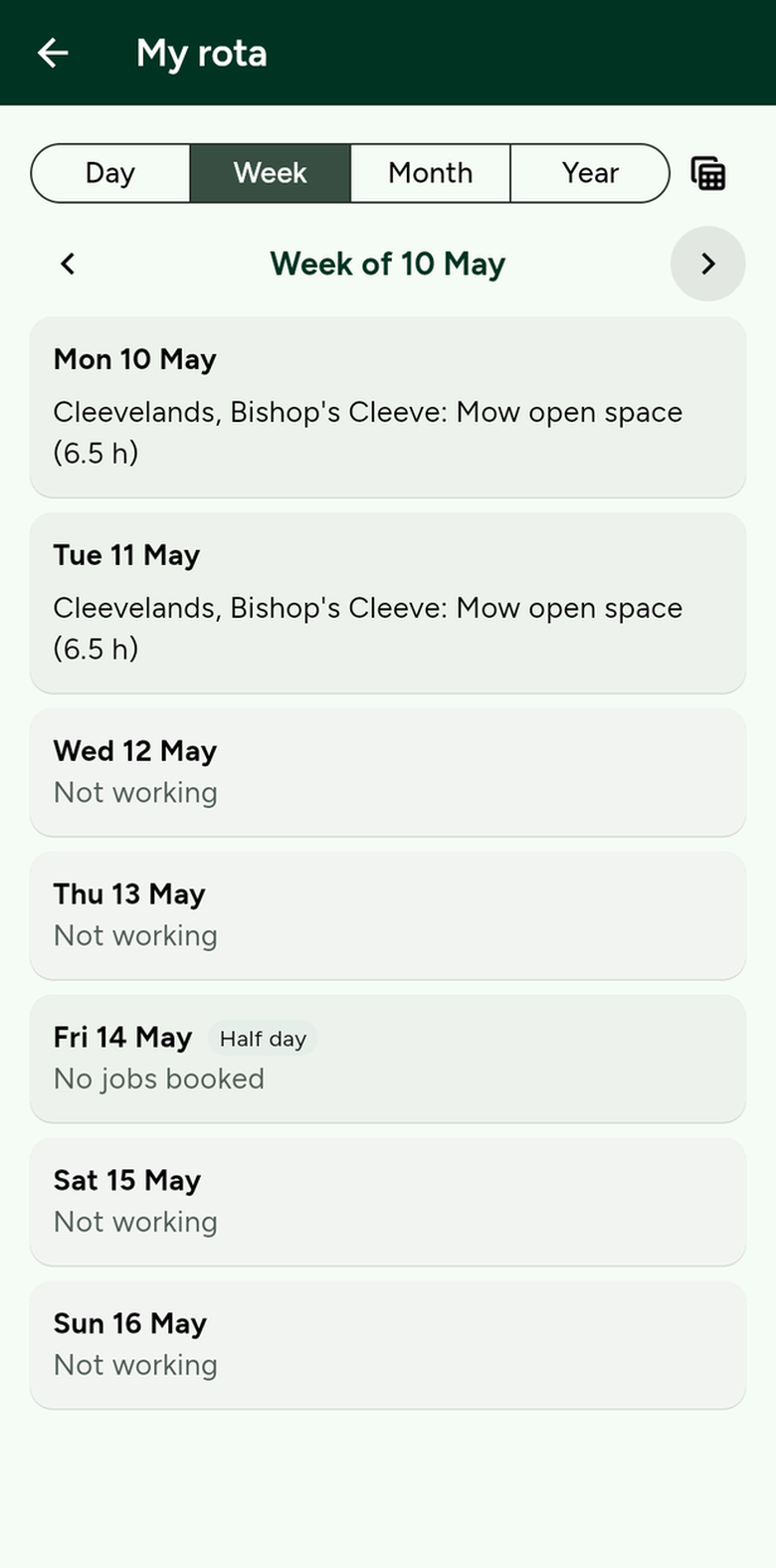
For ground staff
Your rota on your phone, and one tap to the exact spot in Google Maps.
Tell us how you work. We reply by email, and you get a copy of what you sent.