Residents
Join your estate
You cannot open an estate on your own. Use the join link from your estate management company, or find the estate on the map after you create an account.
-
Create an account
Open OurGround in your browser and create an account, or sign in if you already have one.
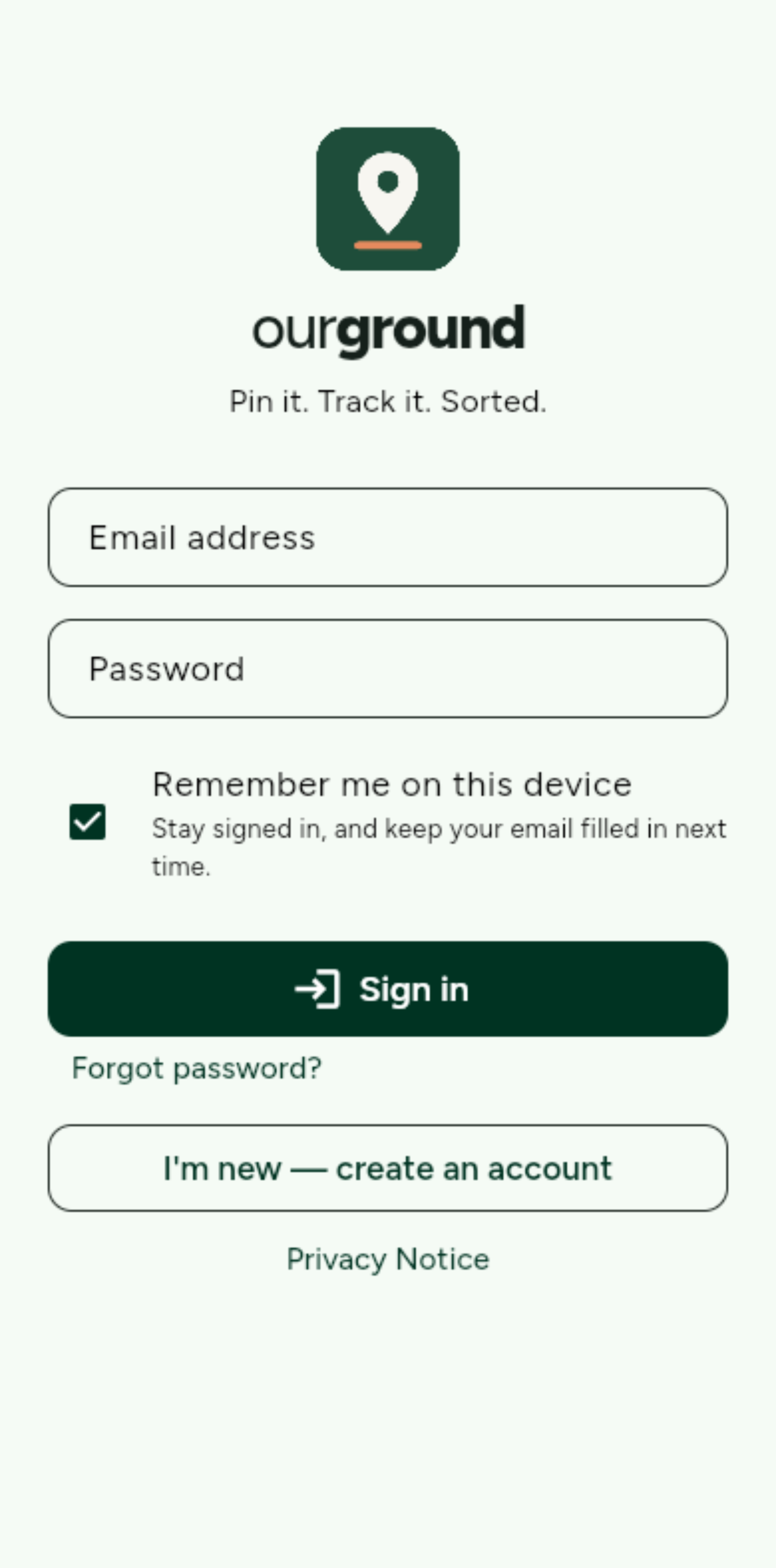
Sign in, or tap I’m new — create an account. -
Open the join link, or find the estate
The company sends a join link. It opens a screen with the estate name and postcode. If you do not have a link, tap Find an estate to join on My estates.
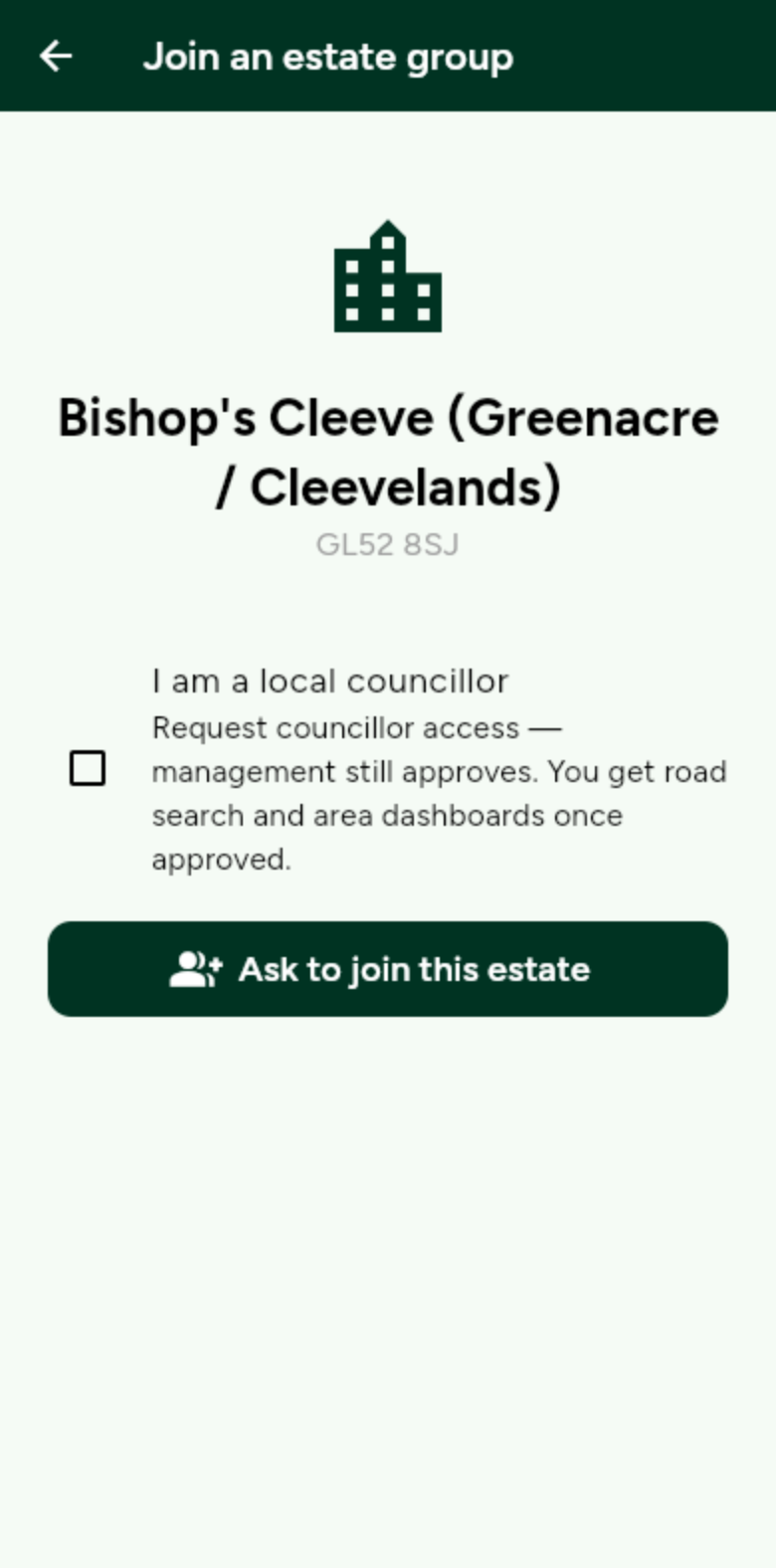
Check the name and postcode, then tap Ask to join this estate. -
Wait for approval
Staff see your request on Members. Until they approve you, you will see that the request has been sent.
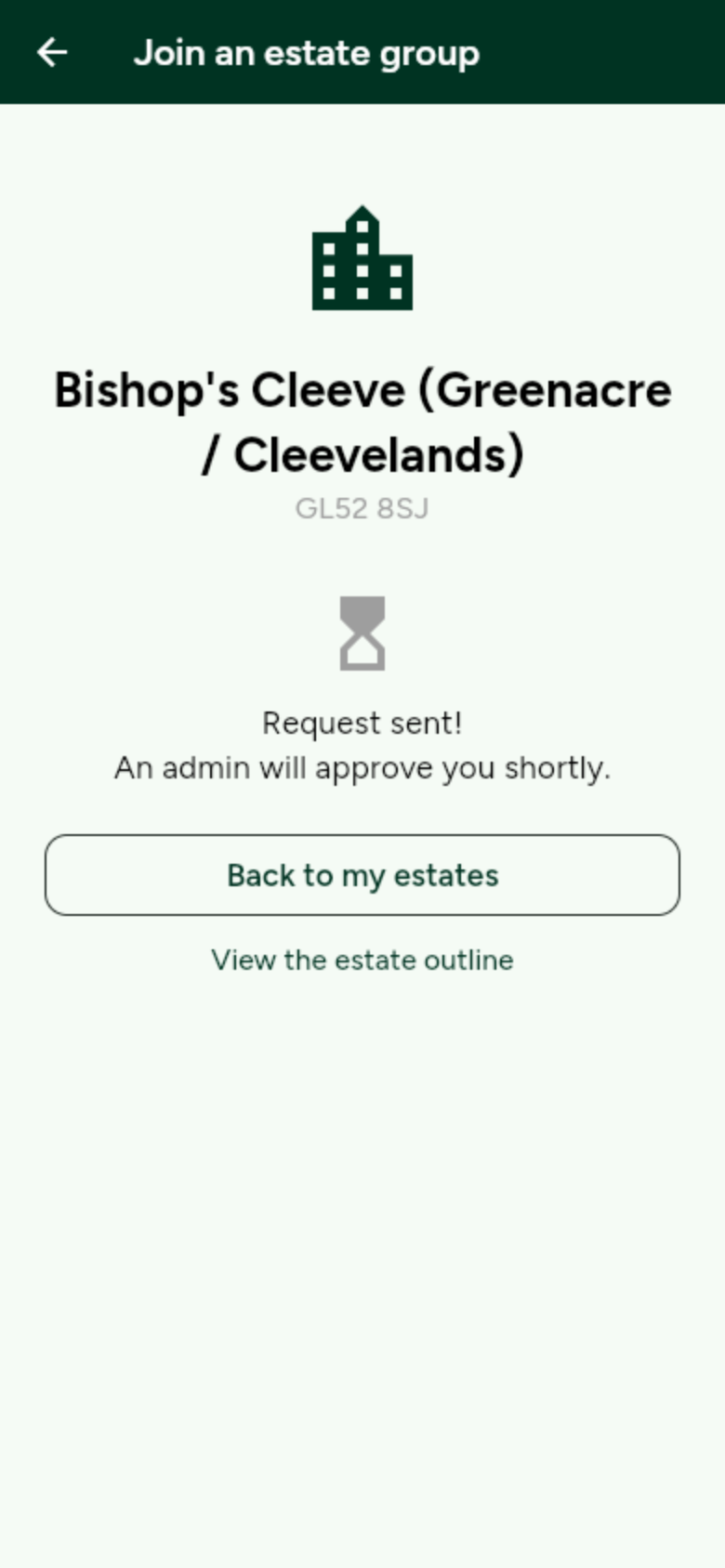
You are not in yet. Staff approve joiners so the estate stays private. -
Open the estate
When you are approved, the estate sits on My estates. Open it to use the map, issues and schedule.
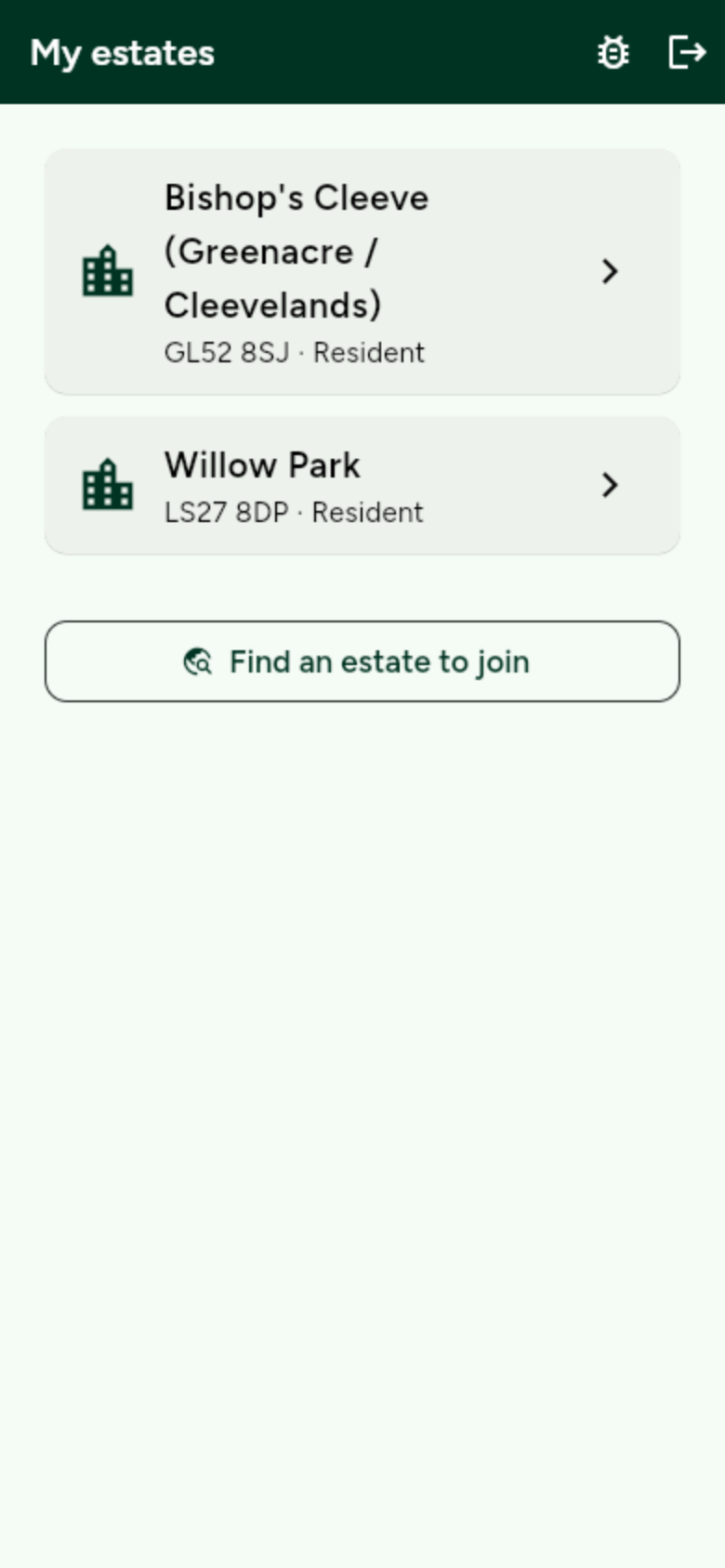
Tap the estate name to open the map.