Ground staff
For ground staff: your rota and finding the spot
Know where you are working every day, and go straight to the exact spot. No special kit, just the phone you already carry.
-
Open your company
Sign in from your invite. Under My companies, tap your company to see your rota and the company’s estates.
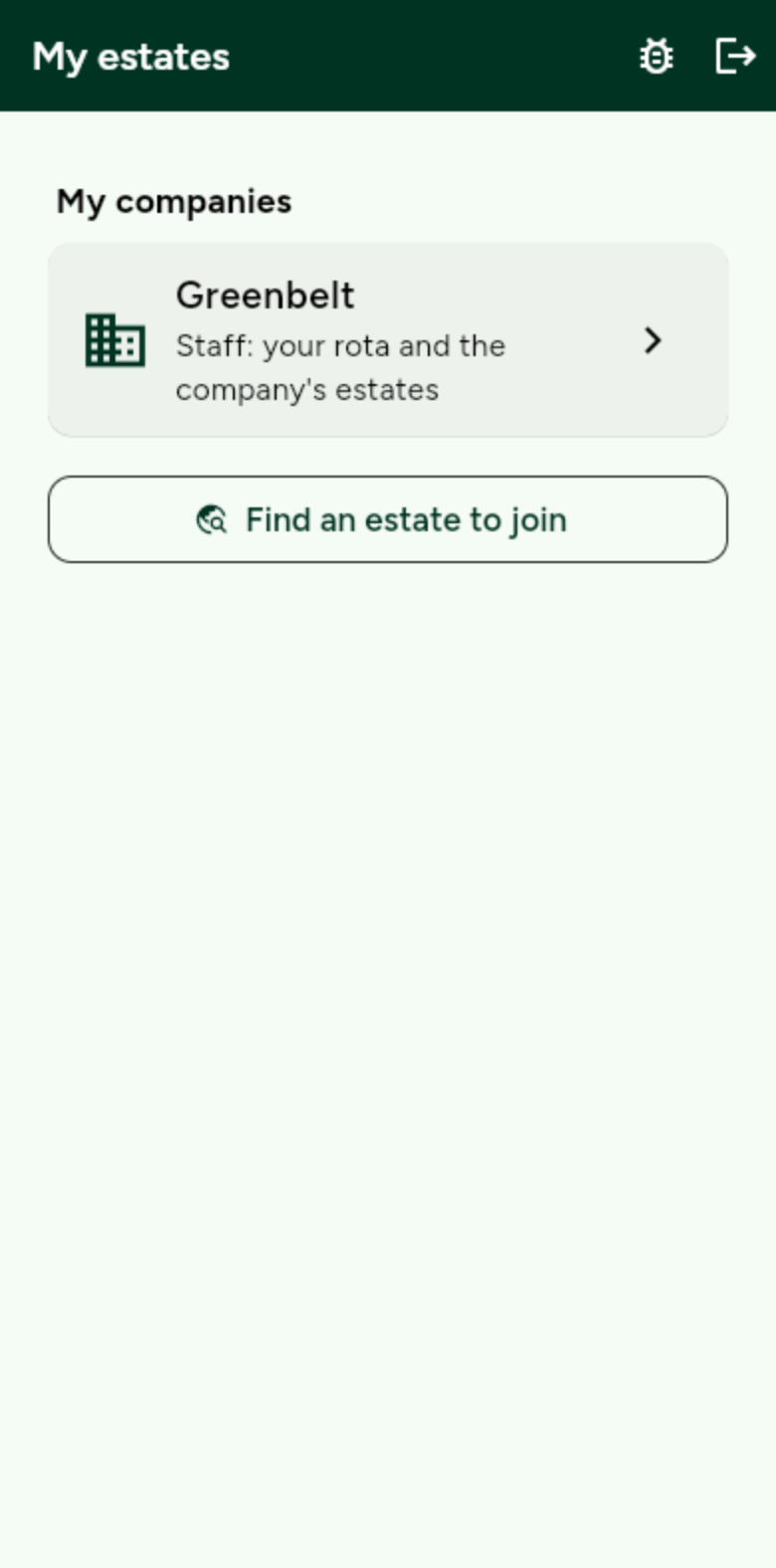
Your company badge shows next to your name, so residents know who you are. -
Check your rota
Open My rota. See where you are working and what you are doing, by day, week, month or year. Download it as a spreadsheet if you like.
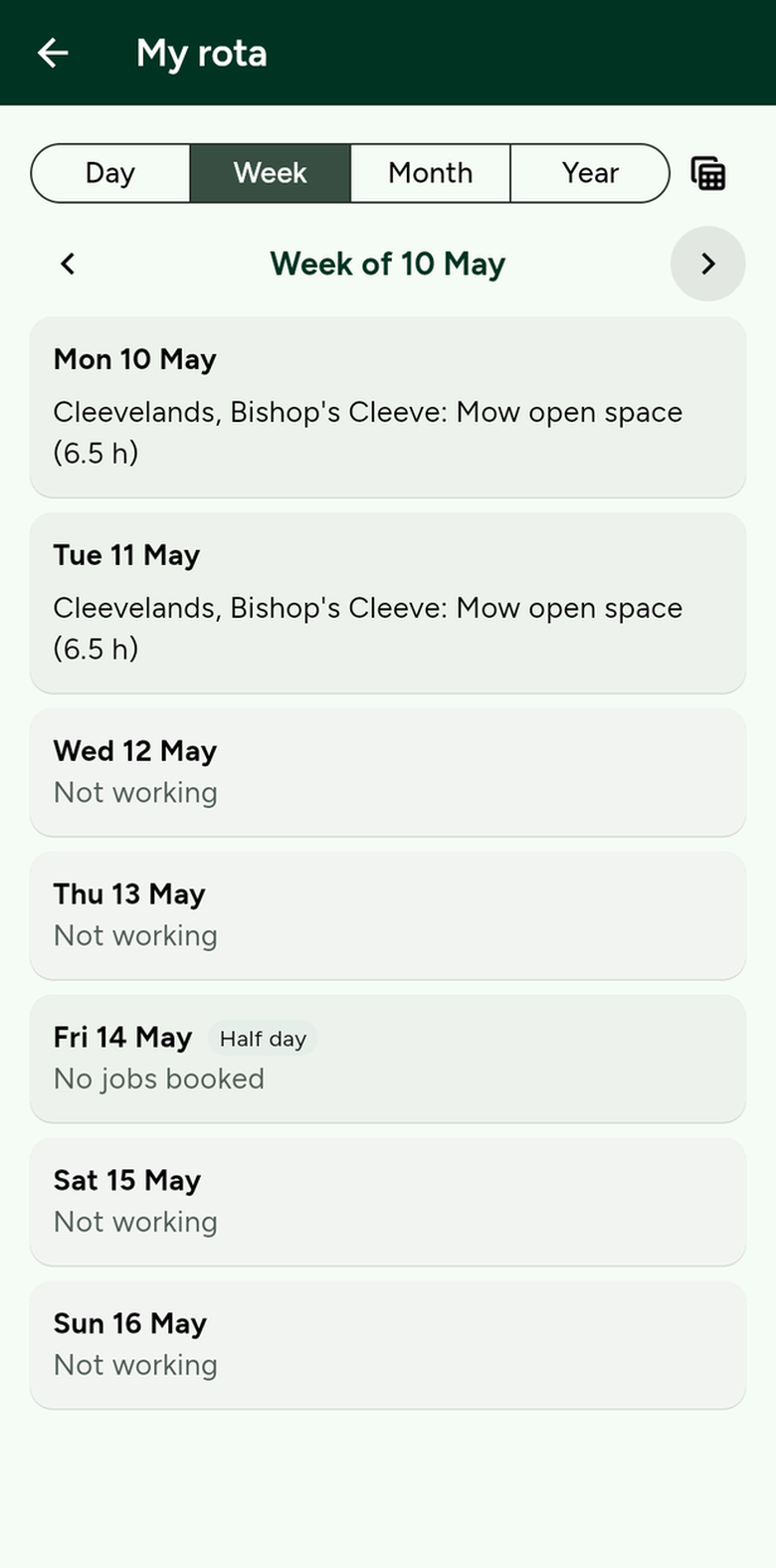
Each job shows the estate, the task and how long it takes. -
Go straight to the spot
Open any report and tap Open location in Google Maps. Your phone takes you to the exact place the resident pinned.
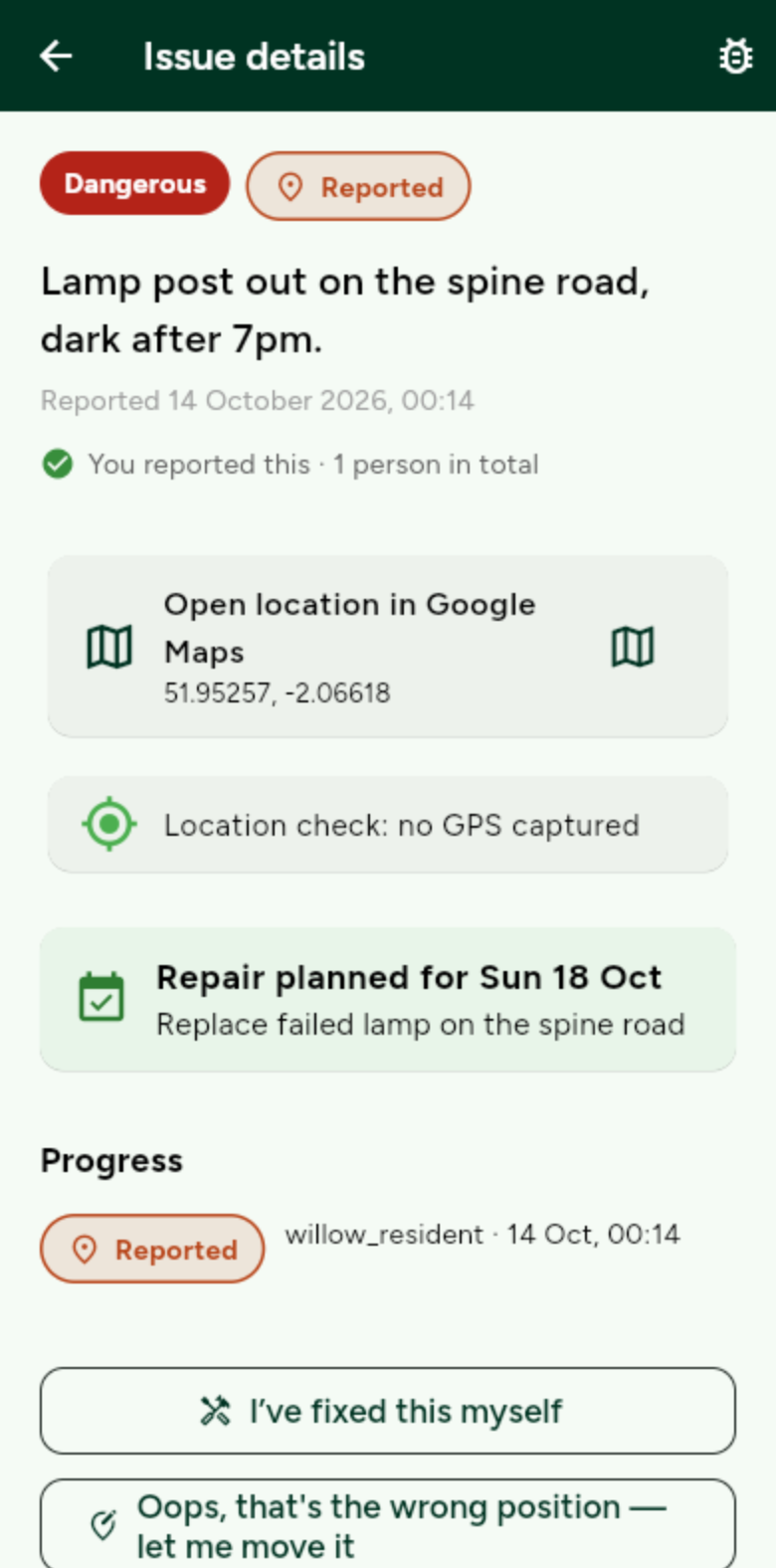
The exact position sits behind every pin.