Estate management companies
Export your data
Your data is yours. Export it with one tap, ready for Excel, Google Sheets, a board pack or a contract review.
-
Export every issue
Open the estate’s Issues tab and tap Export. You get every issue with its location, severity, status, area, complaint stage and category.
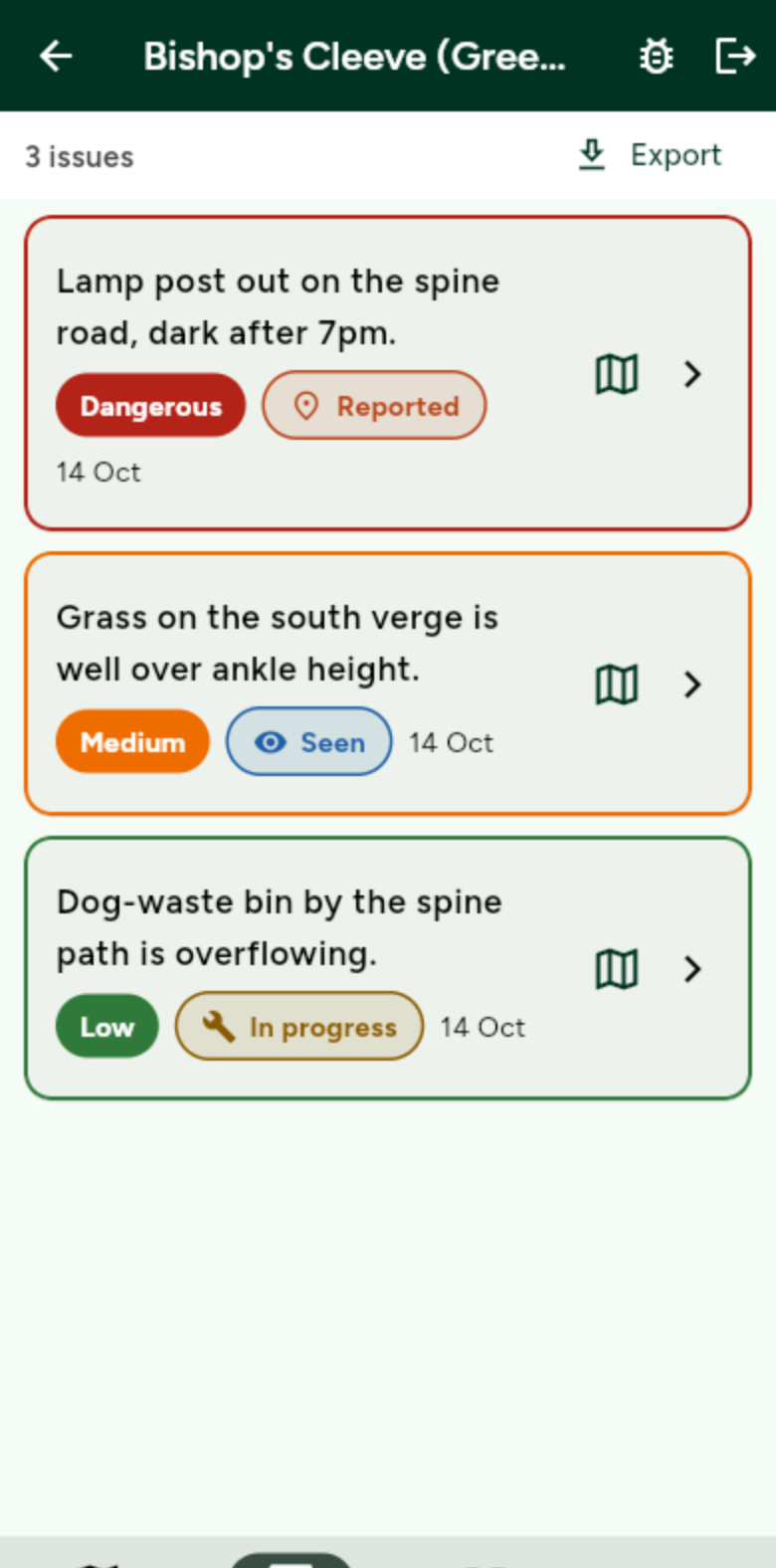
Opens cleanly in Excel and Google Sheets. -
Export plans and rotas
In Planner, use the download button for the whole schedule, utilisation, capacity and jobs not covered. Any rota downloads from Rota, and the month’s maintenance schedule from Maintenance. Charts save as images.
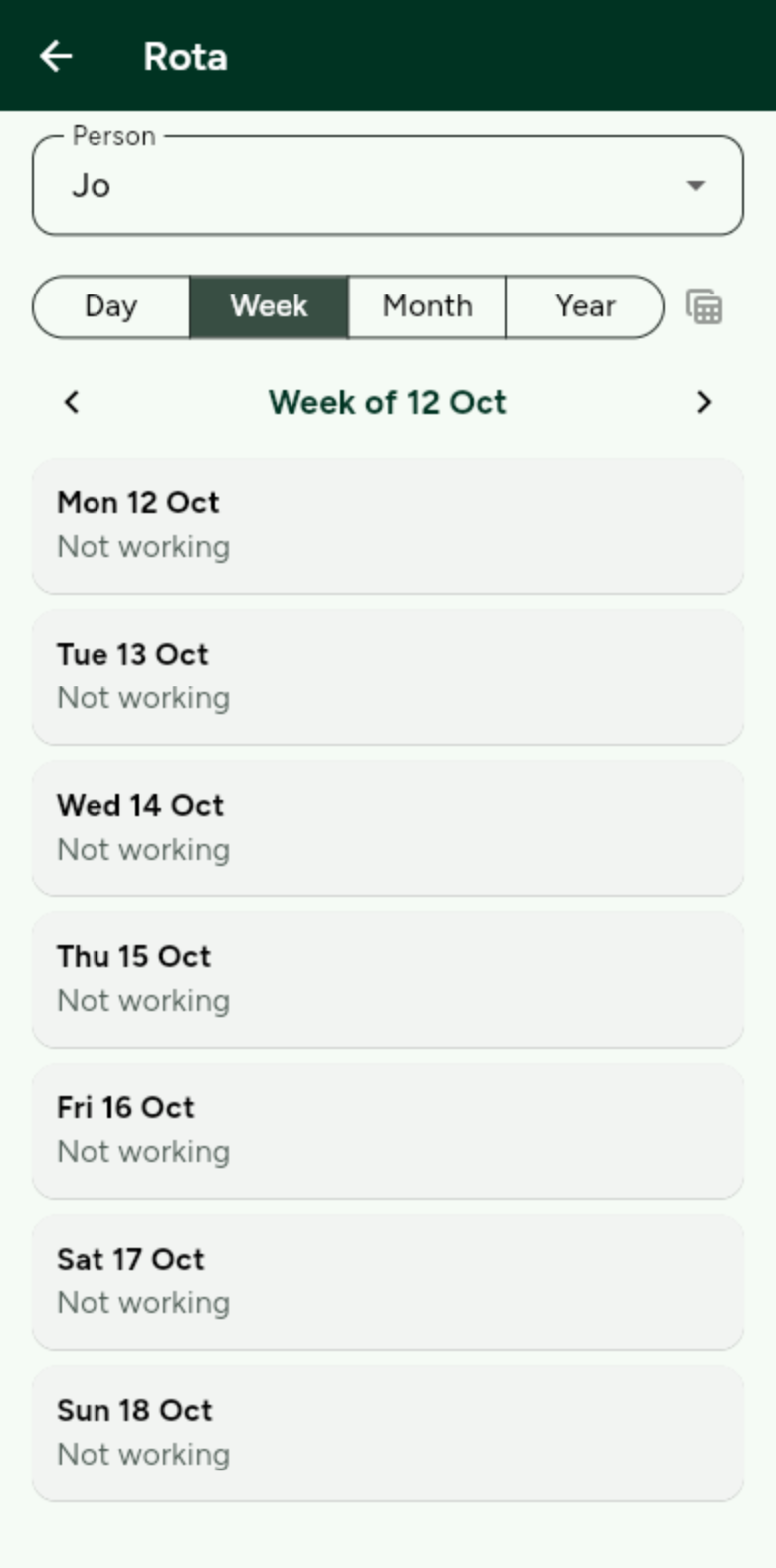
Look for the download icon at the top of the screen.