Estate management companies
Set up a company and an estate
The company account is free. One company can hold every estate you manage.
-
Land on My estates
Create an account, then you will see My estates. OurGround sets up your management company for you: get in touch and we will add you as its owner.
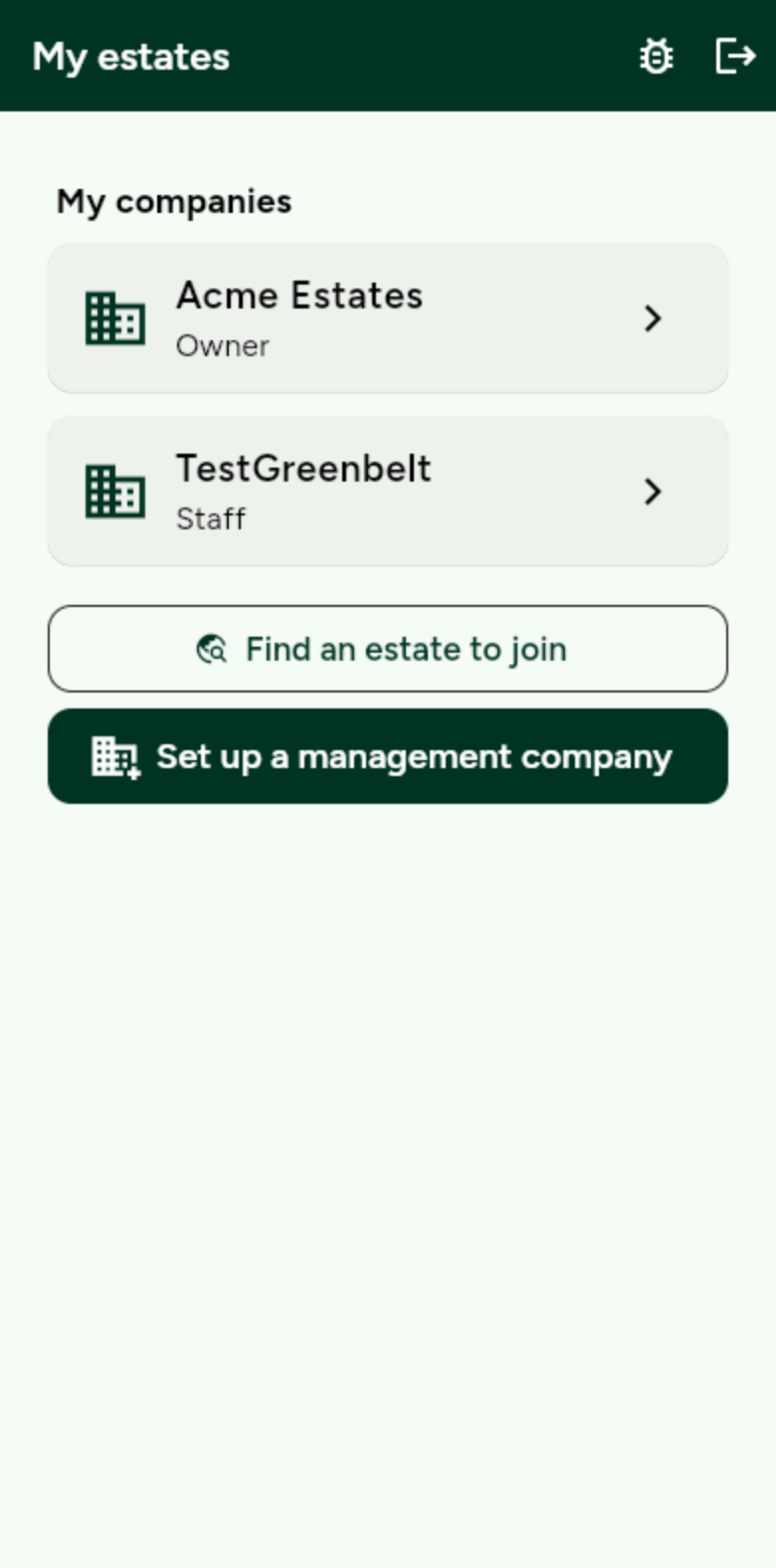
Tap your company to open it. -
Open the company
The company home lists every estate. Active estates can take joiners and reports.
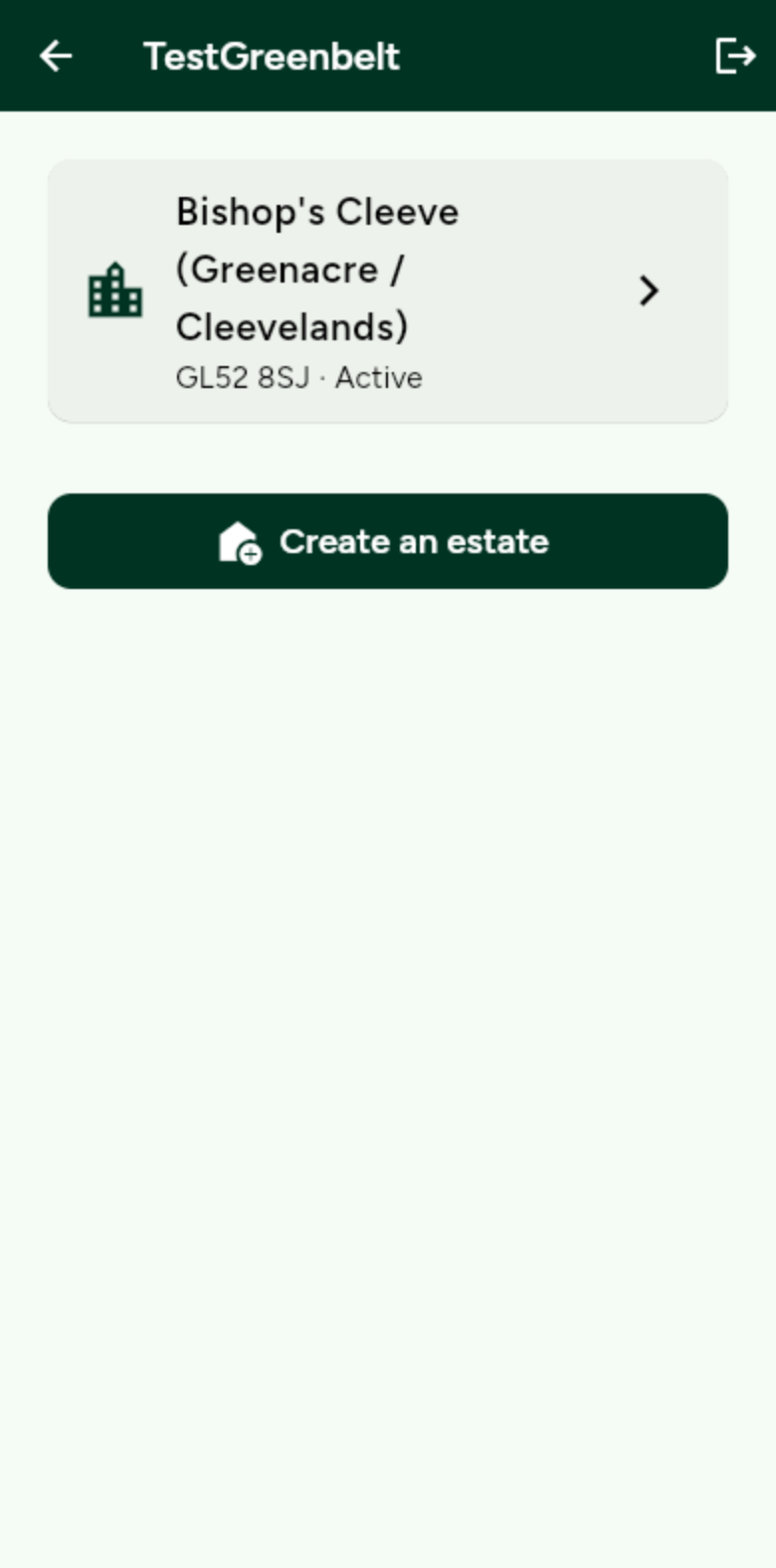
Tap Create an estate to add another development. -
Name the estate
Give it the name residents will recognise, and the postcode. You can then activate it, draw the map, and share a join link.
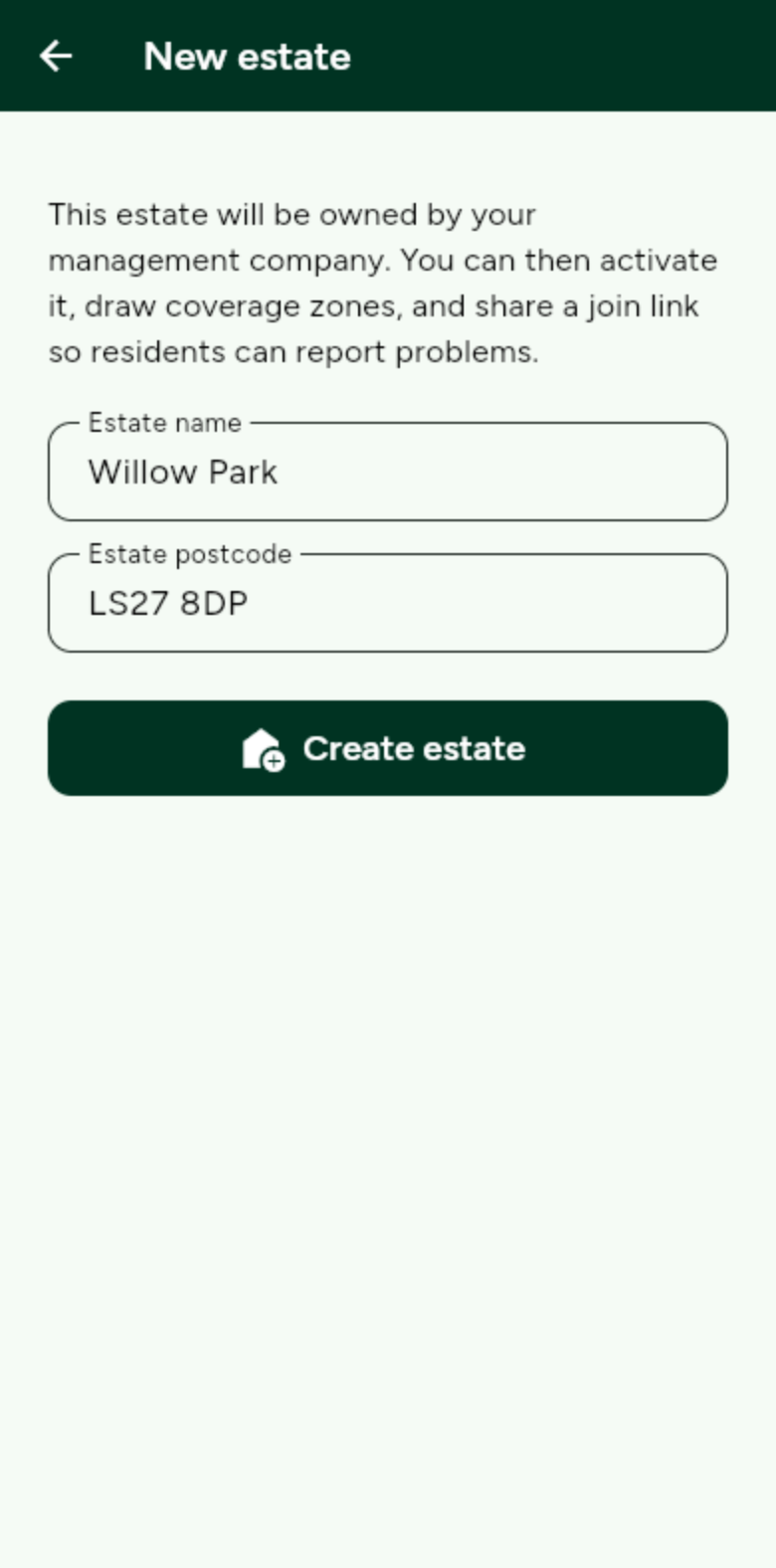
The estate belongs to the company. Staff on the company can open it.