Estate management companies
Invite and approve residents
Estates stay private. People join with your link, then you approve them.
-
Open Members
On the estate, tap More, then Members. You can invite residents and approve people waiting.
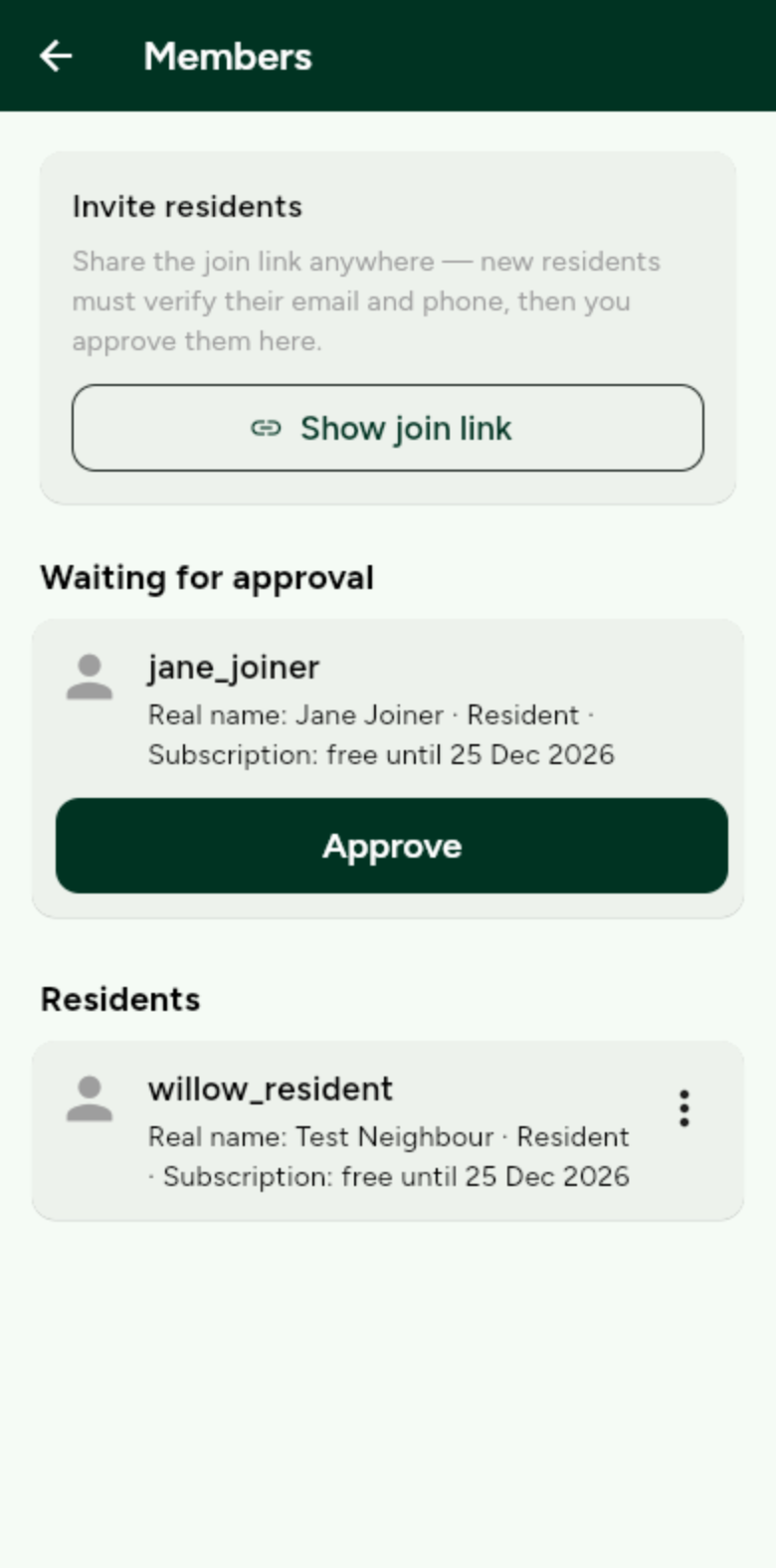
Pending joiners sit at the top until you approve them. -
Share the invite URL
Tap Show invite URL under Invite residents, copy it, and send the URL in a message or email.
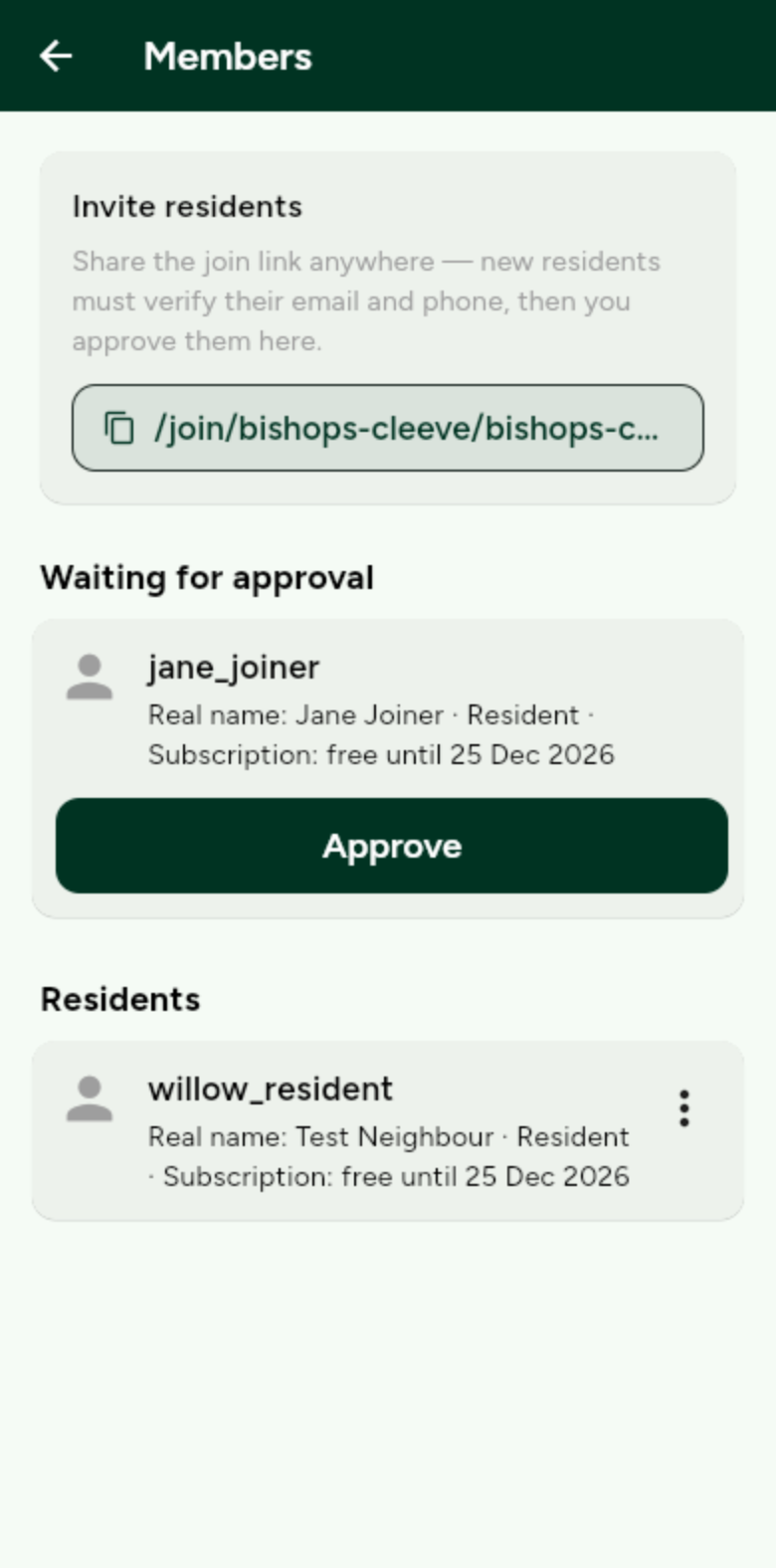
Anyone with the link can ask to join. They still need your approval.