Estate management companies
Set up your complaints procedure
When an issue becomes a formal complaint, it follows your own stages and deadlines, and keeps its own record.
-
Open Complaints procedure
From the estate, open More, then Complaints procedure. Add each stage with a name and its working-day deadline, in order.
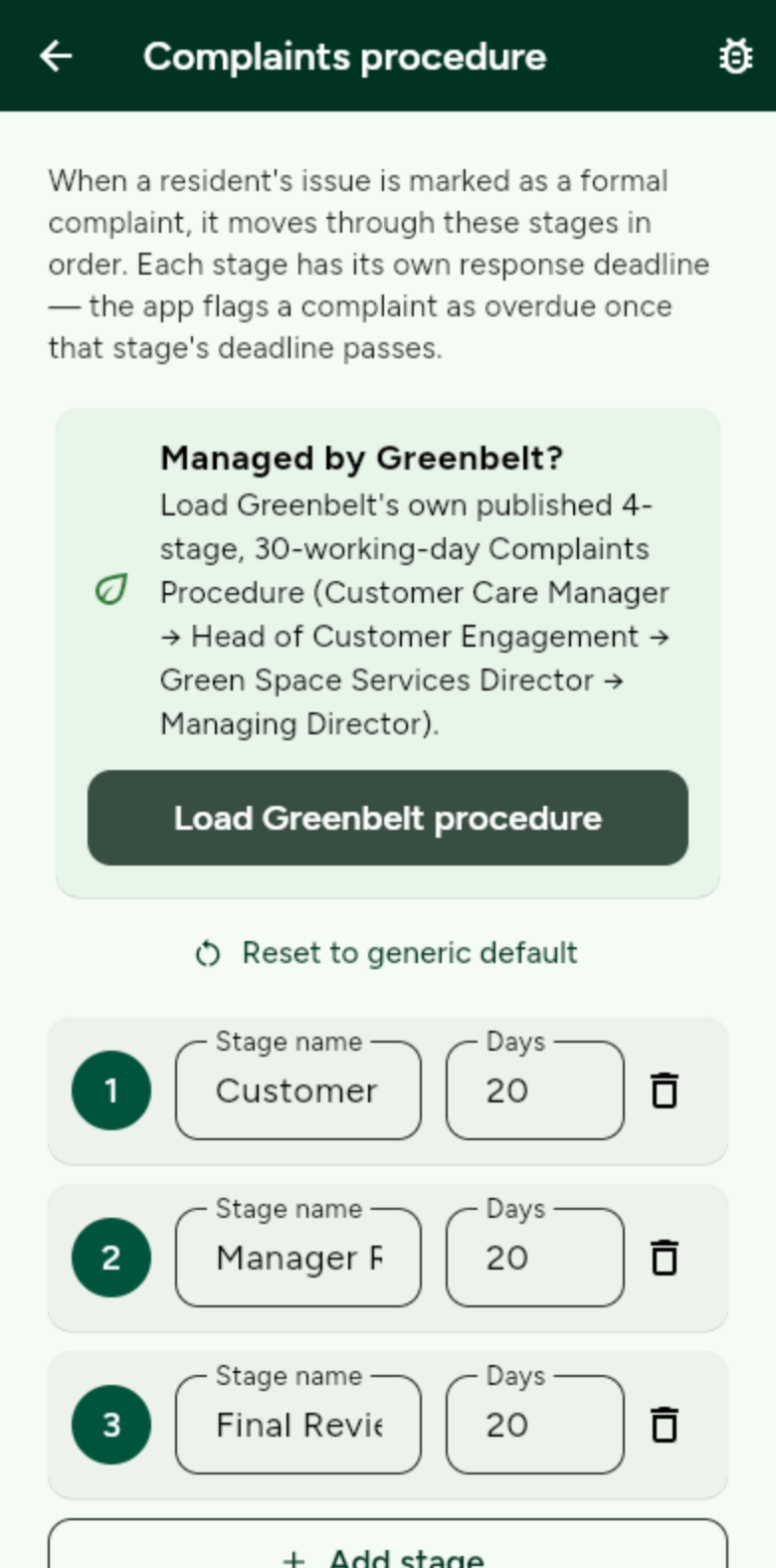
The app flags a complaint as overdue once a stage’s deadline passes. -
Work a complaint
On any issue, mark it as a formal complaint. Move it up a stage when needed, through to the Ombudsman or Tribunal if it goes that far. Residents see the stage and the deadline. Formal complaints cannot be deleted.